TOUCH SCREEN
232
G18012
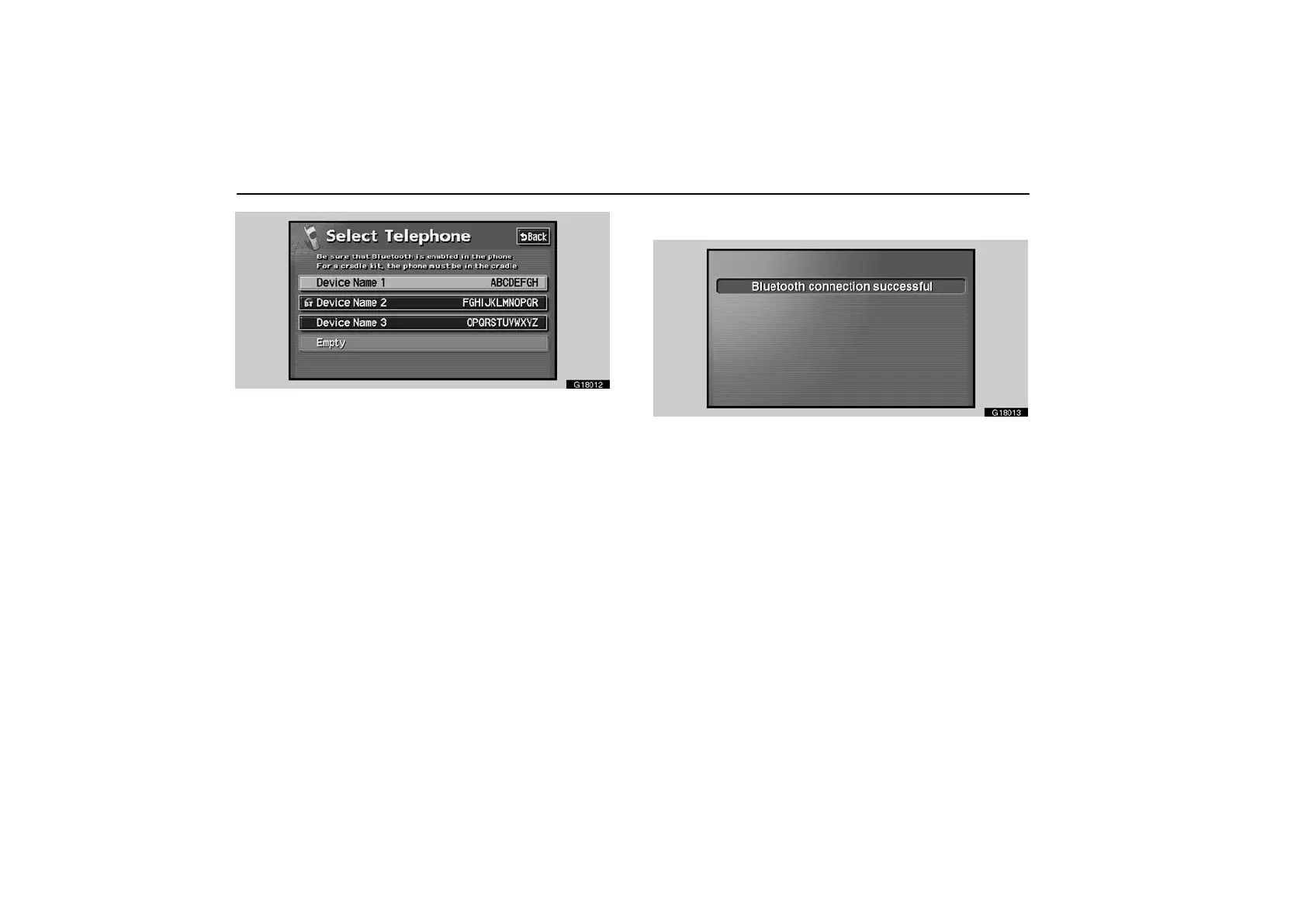
Although you can register up to 4 Bluetooth phones in the
system, one Bluetooth phone can only function.
To connect the Bluetooth phone
G18013
When you select the engine switch in “ACC” or “IG−ON”
mode, the selected Bluetooth phone will be automatically
connected and the connection result is displayed.
Always leave the Bluetooth phone in a condition where
connection can be established.
This screen appears when the Bluetooth phone is first
connected after you select the engine switch in “ACC” or
“IG−ON”.



 To Next Page