TOUCH SCREEN
243
(e) Receiving on the Bluetooth phone
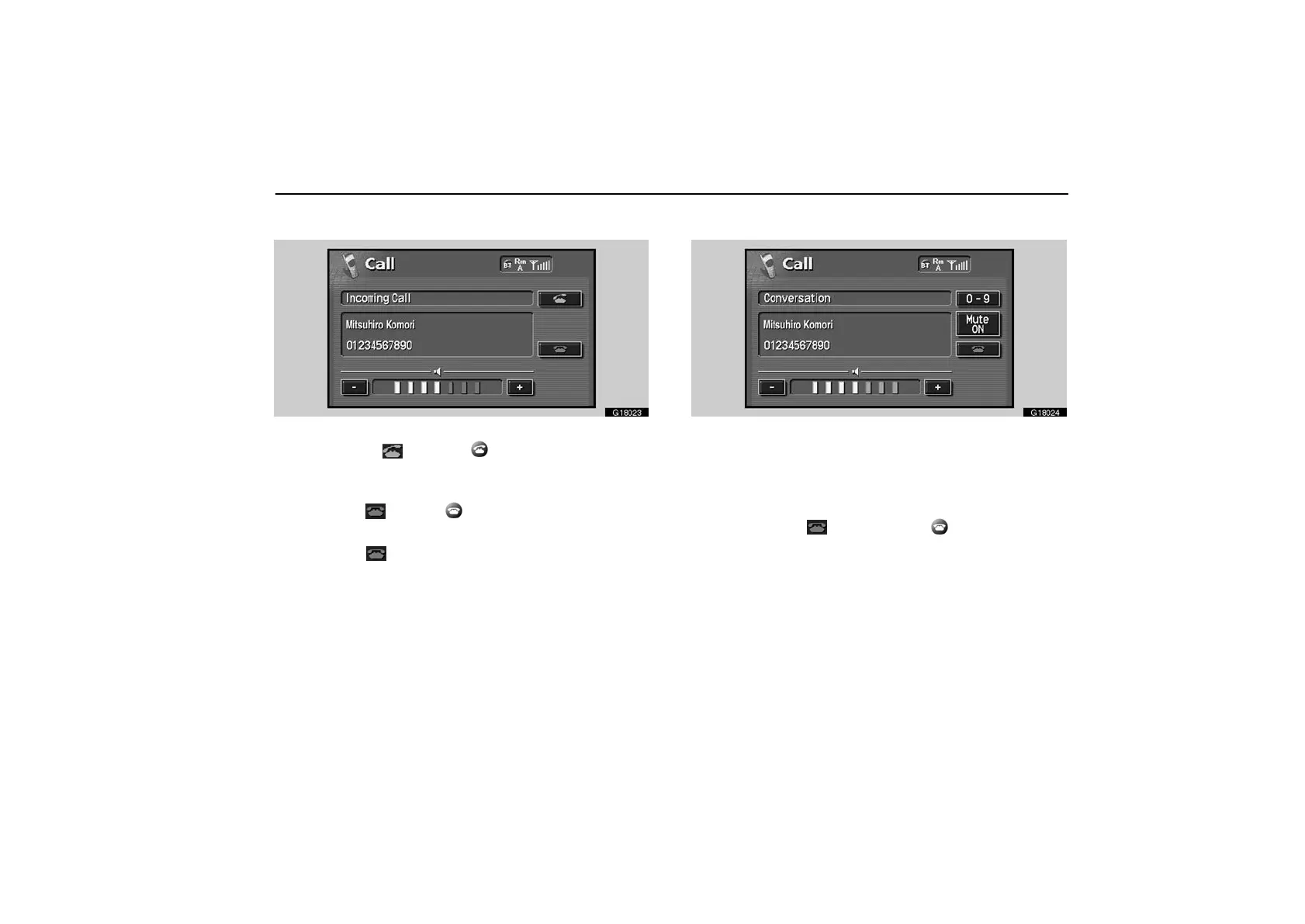
G18023
When a call is received, this screen is displayed with a
sound. Touch “
” or push of the telephone button
to talk on the phone.
To hang up the phone:
Touch “
” or push of the telephone button again.
To refuse to receive the call:
Touch “
” and hold it.
To adjust the volume of received call:
Touch “–” or “+”.
On the international phone call, the party’s name may not be
displayed correctly depending on the cellular phone which you
have.
(f) Talking on the Bluetooth phone
G18024
While you are talking on the phone, this screen is
displayed. You can do the operation below on the screen.
To adjust the volume of the party’s voice:
Touch “–” or “+” switch.
To hang up the phone:
Touch the “
” switch or push of the telephone
button.
To mute your voice:
Touch the “Mute ON” switch.
To input the Key:
Touch the “0−9” switch.



 To Next Page