TOUCH SCREEN
252
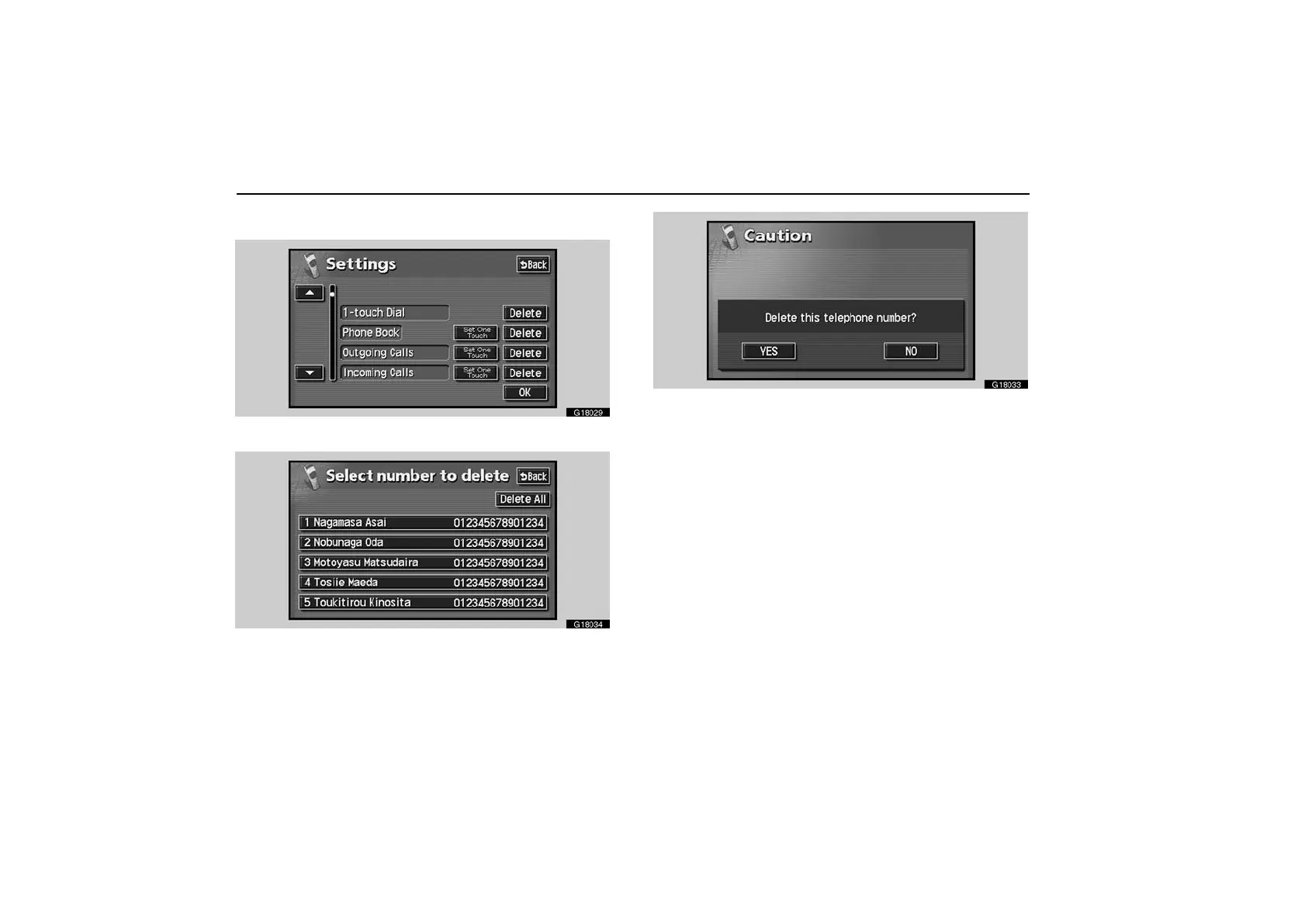
To delete the one touch dial
G18029
Touch the “Delete” switch of “1−touch Dial”.
G18034
Select the desired number from the list.
If you want to delete all the one touch dial numbers, touch the
“Delete All” switch.
G18033
Touch “YES” switch.
When you touch “NO”, the previous screen returns.



 To Next Page