TOUCH SCREEN
253
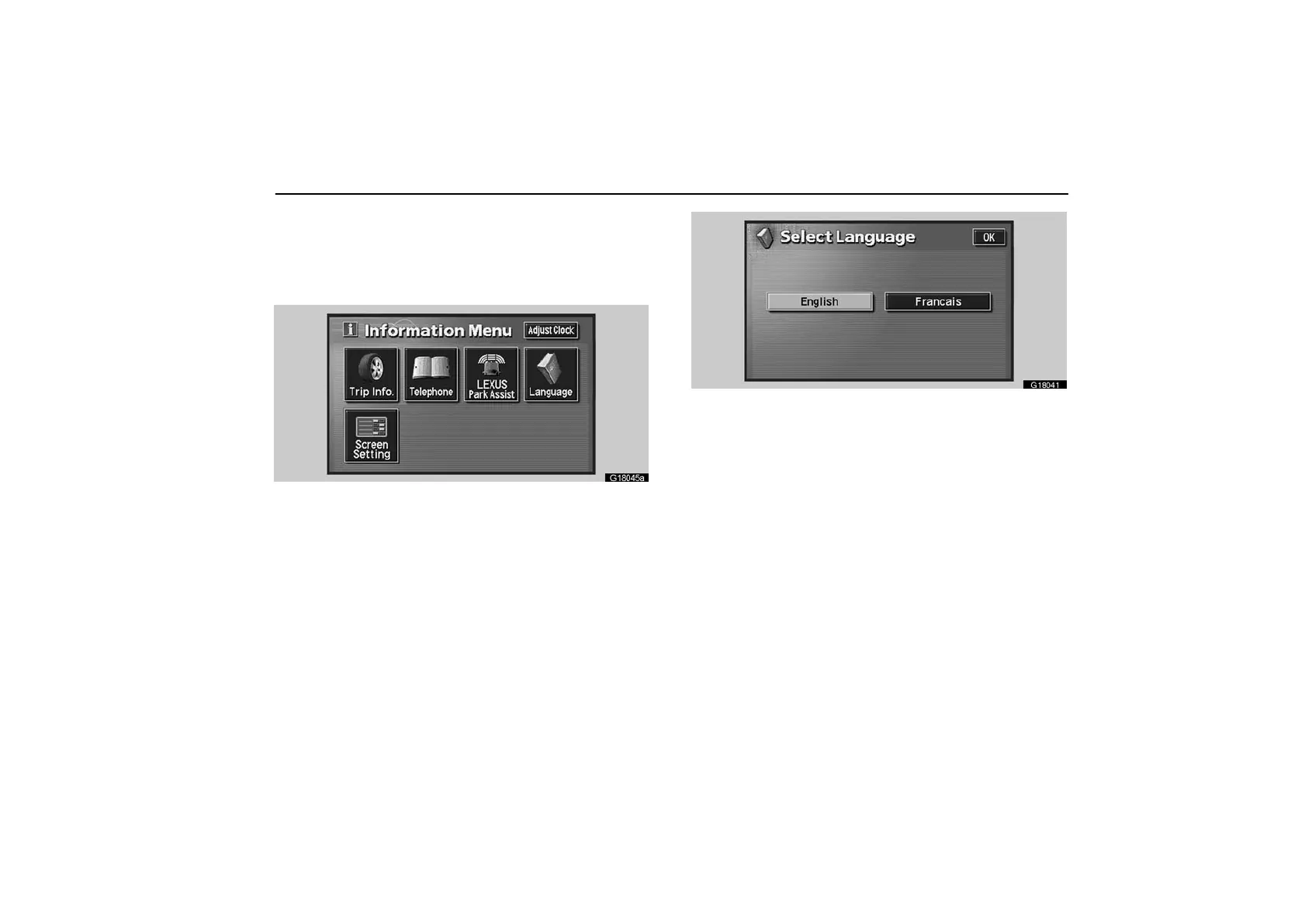
Language
You can select the language shown on the screen.
1. Push the “INFO” button on the bezel to display the
“Information Menu” screen.
G18045a
2. Touch the “Language” switch.
G18041
3. Touch the desired switch to select the language.
When you select the language, touch “OK”.



 To Next Page