TOUCH SCREEN
254
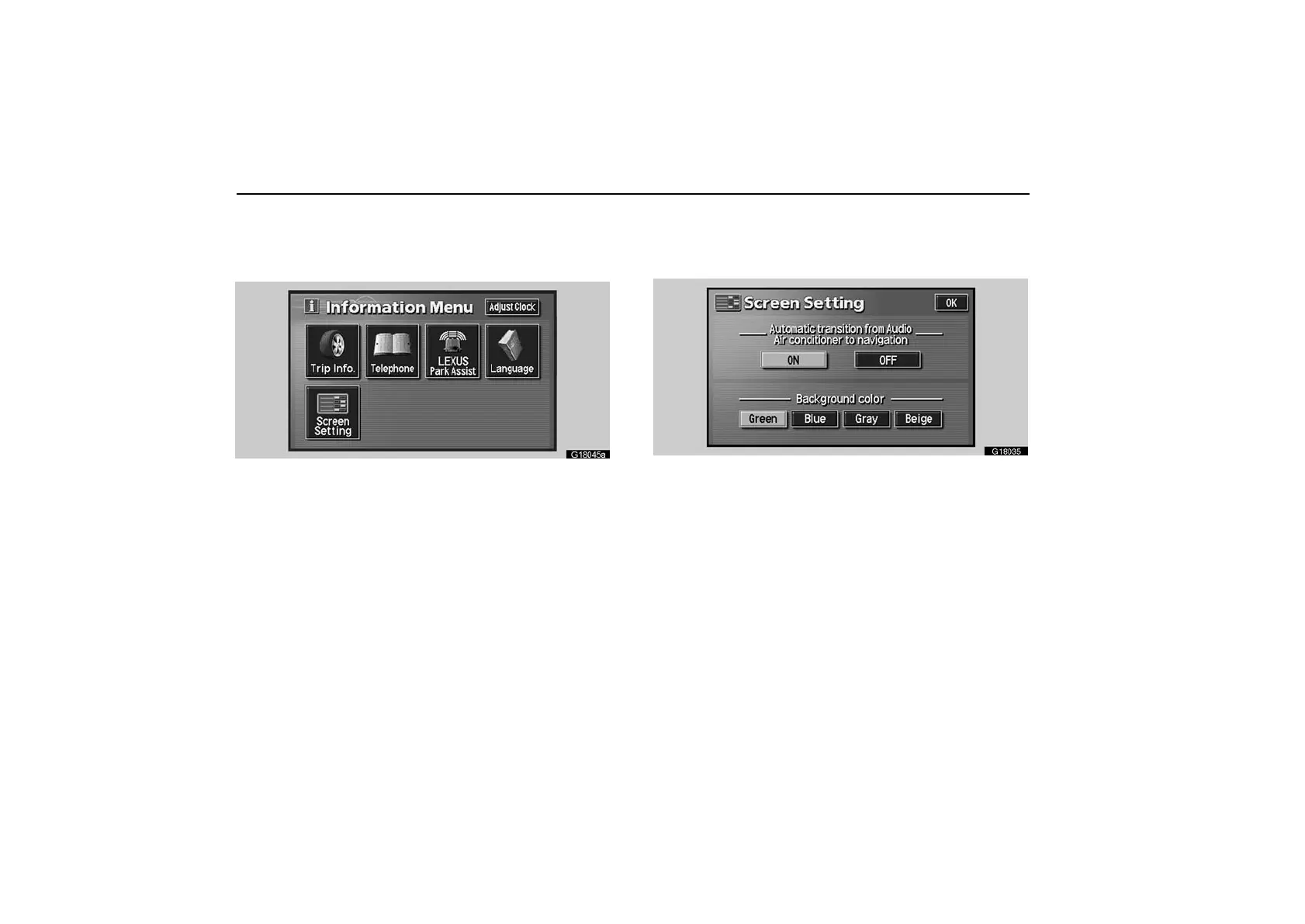
Setting screen
1. Push the “INFO” button on the bezel to display the
“Information Menu” screen.
G18045a
2. Touch the “Screen Setting” switch.
(a) Automatic transition
You can select a function that enables automatic return to
the navigation screen from the audio screen.
G18035
Select the “ON” or “OFF” and then touch the “OK”.
ON: The navigation screen automatically returns from the
audio or air conditioning screen 20 seconds after the end of
audio or air conditioning screen operation.
OFF: The audio or air conditioning screen remains on.



 To Next Page