TOUCH SCREEN
255
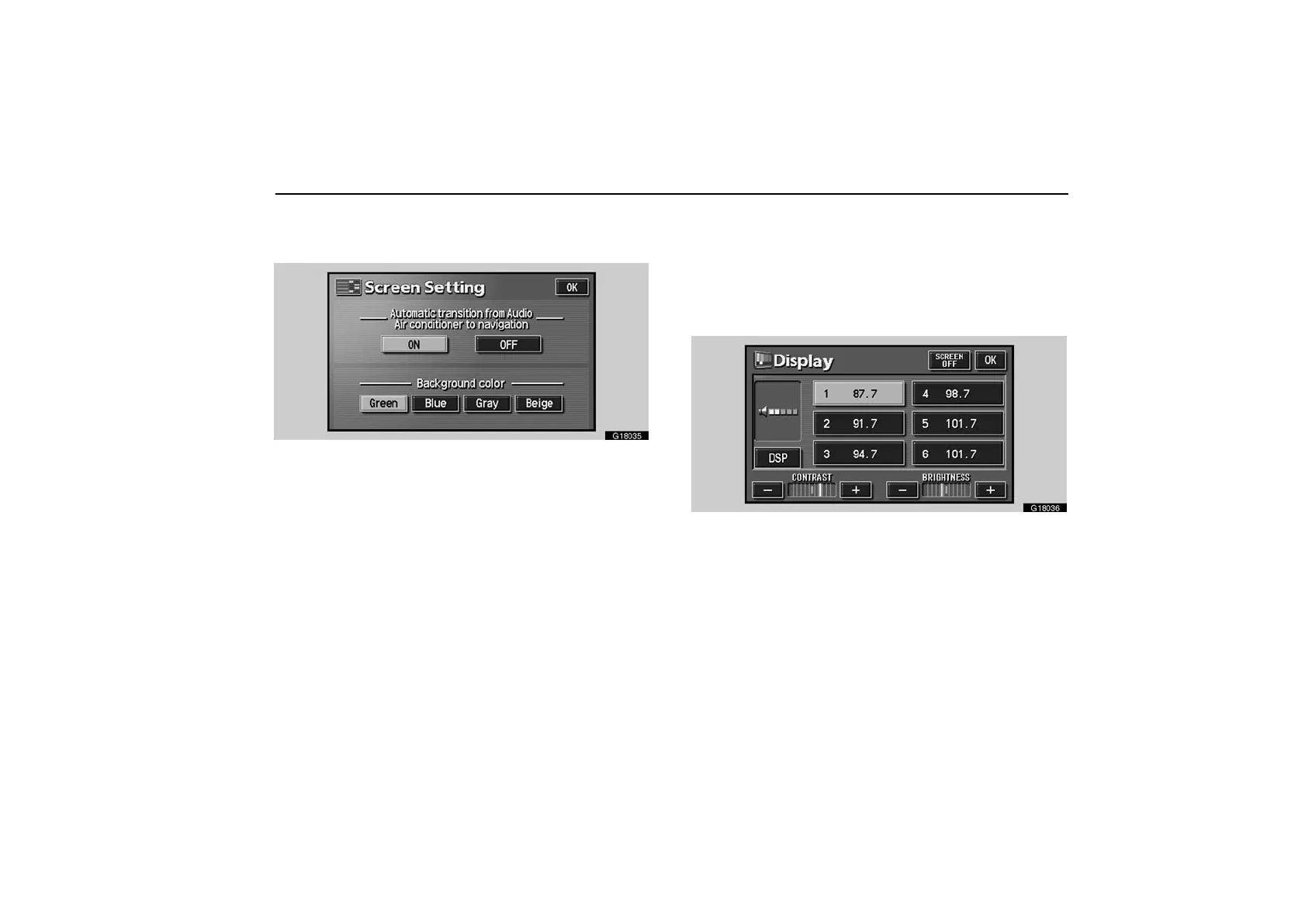
(b) Background color
You can select a background color.
G18035
Select the desired background color and then touch the
“OK”.
Screen adjustment
You can adjust the brightness or contrast of the screen
depending on the brightness of your surroundings. You
also can turn the display off.
To display the “Display” screen, push the “DISPLAY”
button.
G18036
Contrast and brightness adjustment
CONTRAST “+”: Strengthens the contrast of the screen.
CONTRAST “–”: Weakens the contrast of the screen.
BRIGHTNESS “+”: Brightens the screen.
BRIGHTNESS “–”: Darkens the screen.
The screen turns off when you push the “SCREEN OFF”. To
turn the display screen back on, push any bezel switch such
as “INFO”, etc. The selected screen appears.



 To Next Page