AUDIO
315
G22049
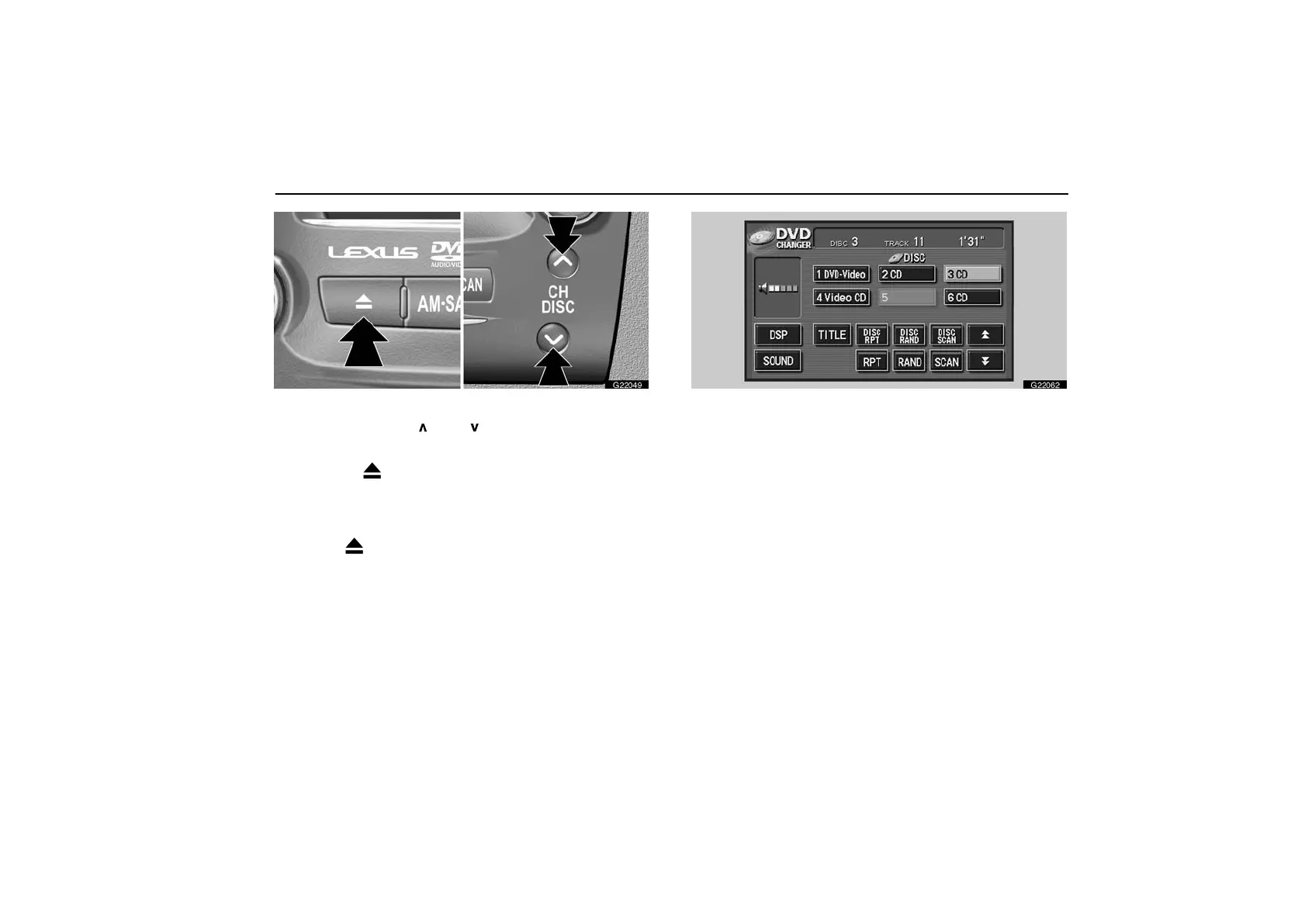
Ejecting a single disc alone:
1. Push the “CH DISC
” or “ ” button to highlight the
disc number you want to eject.
2. Push the “
” (eject) button for the disc briefly.
At this time, the green indicators of the slot start blinking.
Ejecting all the discs:
Push the “
” (eject) button for the disc until you hear
a beep.
G22062
The numbers of the trays where the disc is not set are dimmed.



 To Next Page