AUDIO
316
(b) Playing a disc
G22050
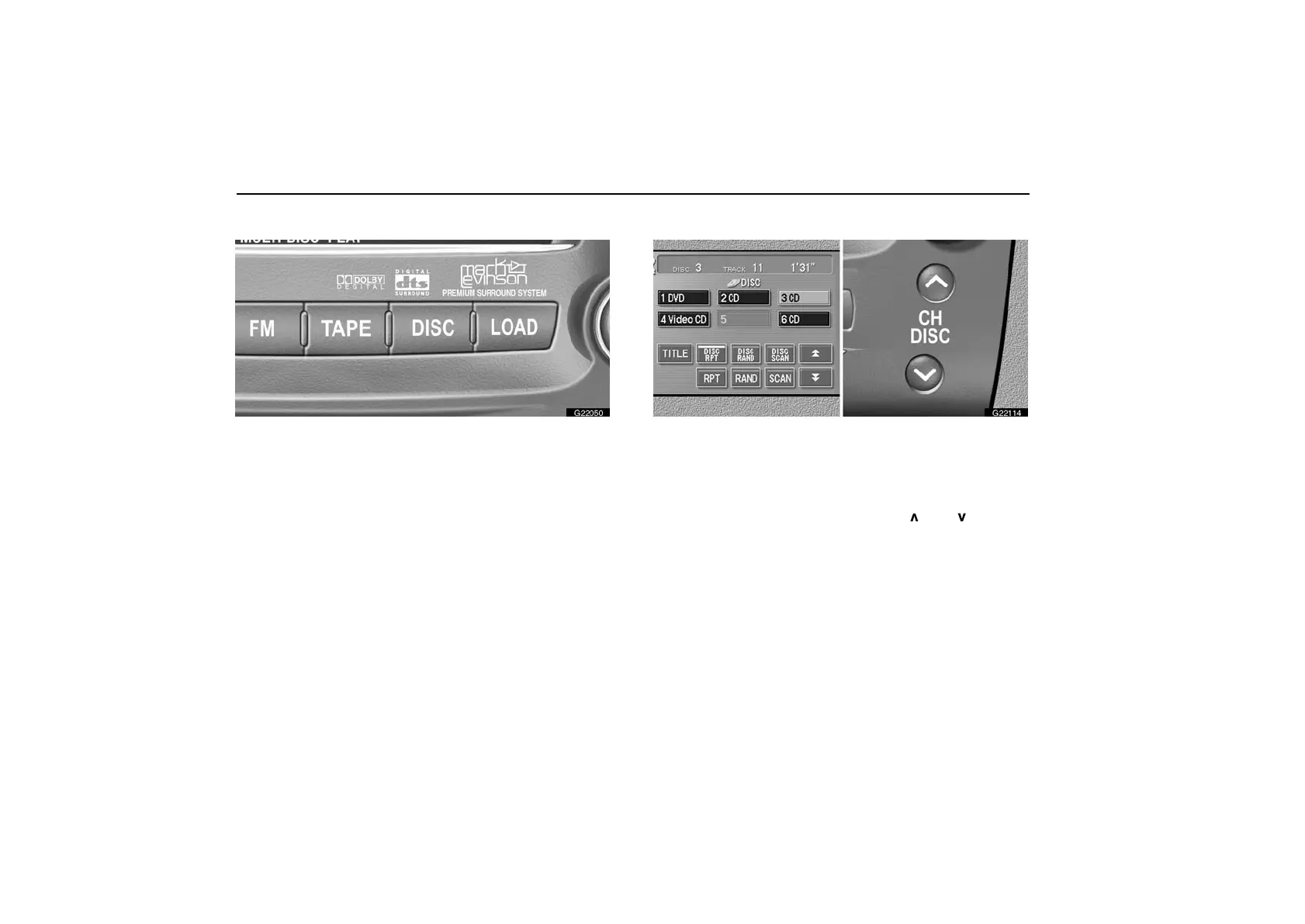
Push the “DISC” button if discs are already loaded in the
player.
The “DVD CHANGER” screen appears on the display.
The discs set in the player are played continuously, starting
with the last disc you inserted. The disc number of the disc
currently being played, the track number and the time from the
beginning of the program are shown on the display.
When play of one disc ends, the first track of the following disc
starts. When play of the final disc ends, play of the first disc
starts again.
The player will skip any empty disc trays.
(c) Selecting a desired disc
G22114
On the screen: Touch the desired disc number.
The selected disc number is highlighted in green.
The player will start playing the selected disc from the first
track.
On the audio panel: Push the “CH DISC
” or “ ” button.
When you release the button, the player will start playing the
selected disc from the first track.



 To Next Page