AUDIO
317
(d) Operating an audio CD
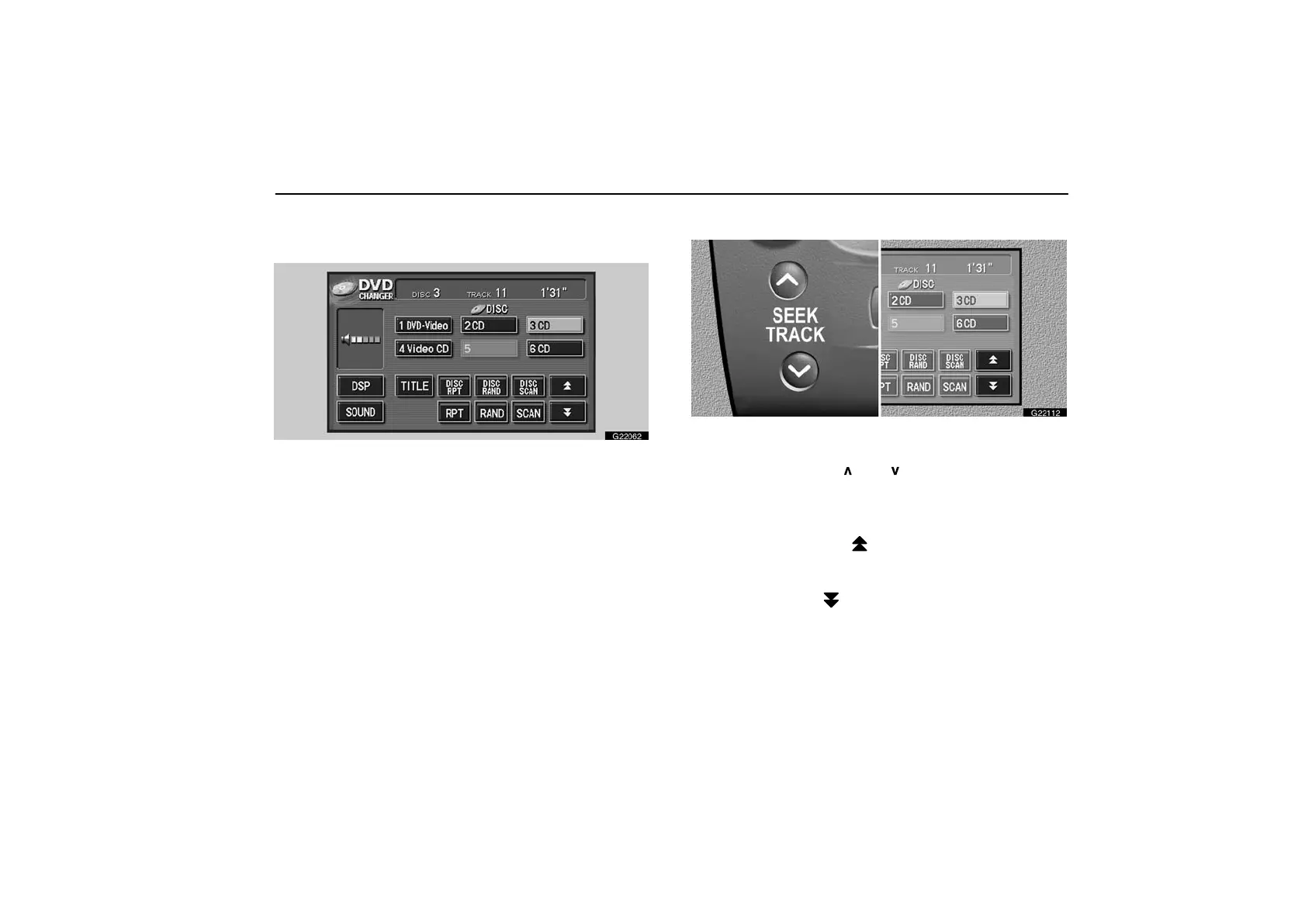
Playing an audio CD—
G22062
Push the “AUDIO” button to display this screen. You can
operate the switches and choose the number of the disc
you want to play. The selected disc is automatically
played.
Selecting a desired track—
G22112
“SEEK TRACK” button: Use for direct access to a desired
track.
Push the “SEEK TRACK
” or “ ” button and hold it until the
desired track number appears on the display. As you release
the button, the player will start playing the selected track from
the beginning.
Fast forward: Touch the “
” switch and hold it to fast forward
the disc. When you release the switch, the player will resume
playing from that position.
Reverse: Touch the “
” switch and hold it to reverse the disc.
When you release the switch, the player will resume playing.



 To Next Page