AUDIO
321
G22117
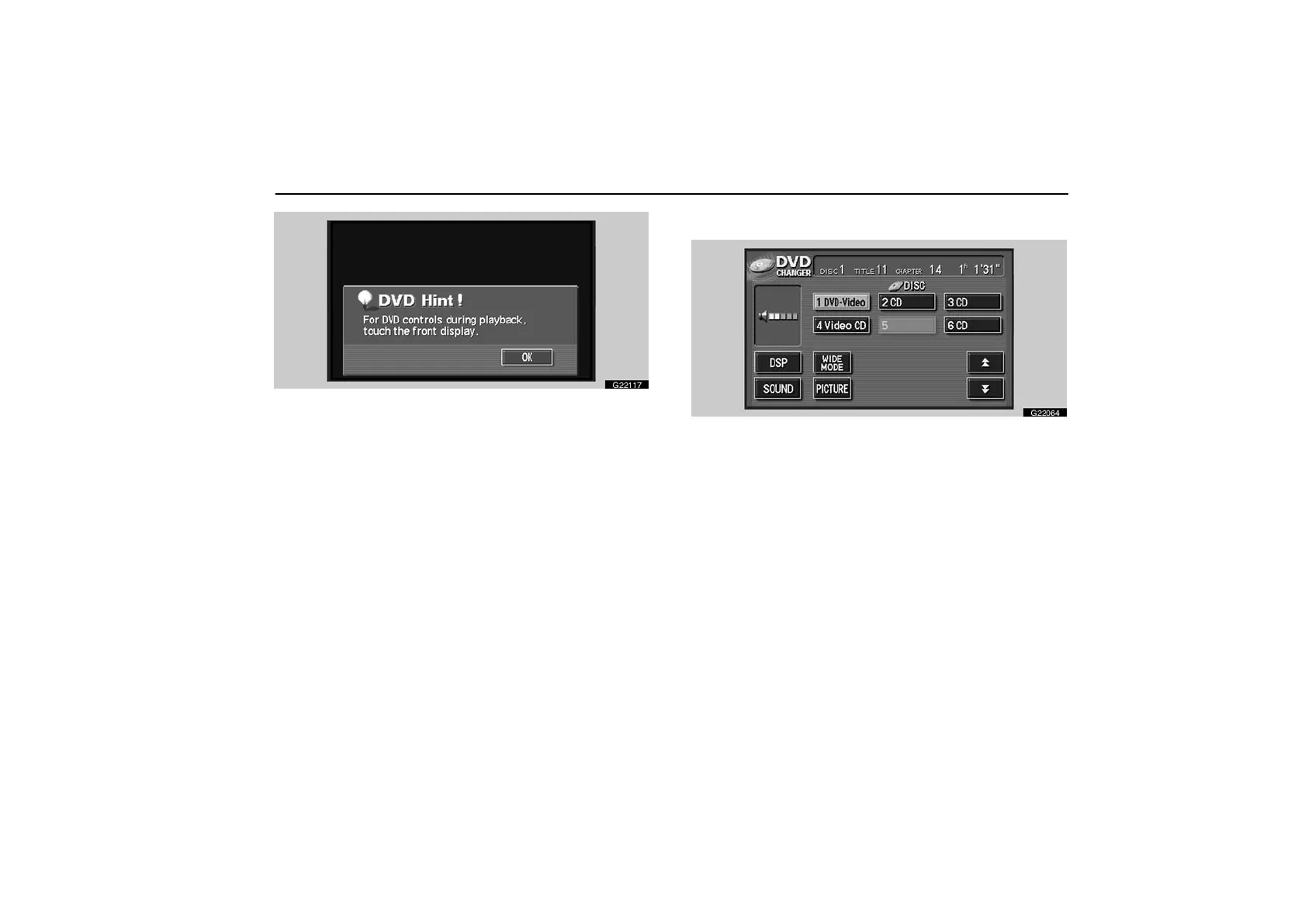
The “DVD Hint !” screen appears when the video screen
is first displayed after you select the engine switch in
“ACC” or “IG−ON” mode.
Touch the “OK” switch when you read the message.
Playing a DVD video disc—
G22064
Push the “AUDIO” button to display this screen. You can
operate the switches and choose the number of the disc
you want to play. The selected disc is automatically
played.
When you touch the “WIDE MODE” switch, the screen mode
can be changed.
When you touch the “PICTURE” switch, the video screen
returns.



 To Next Page