AUDIO
322
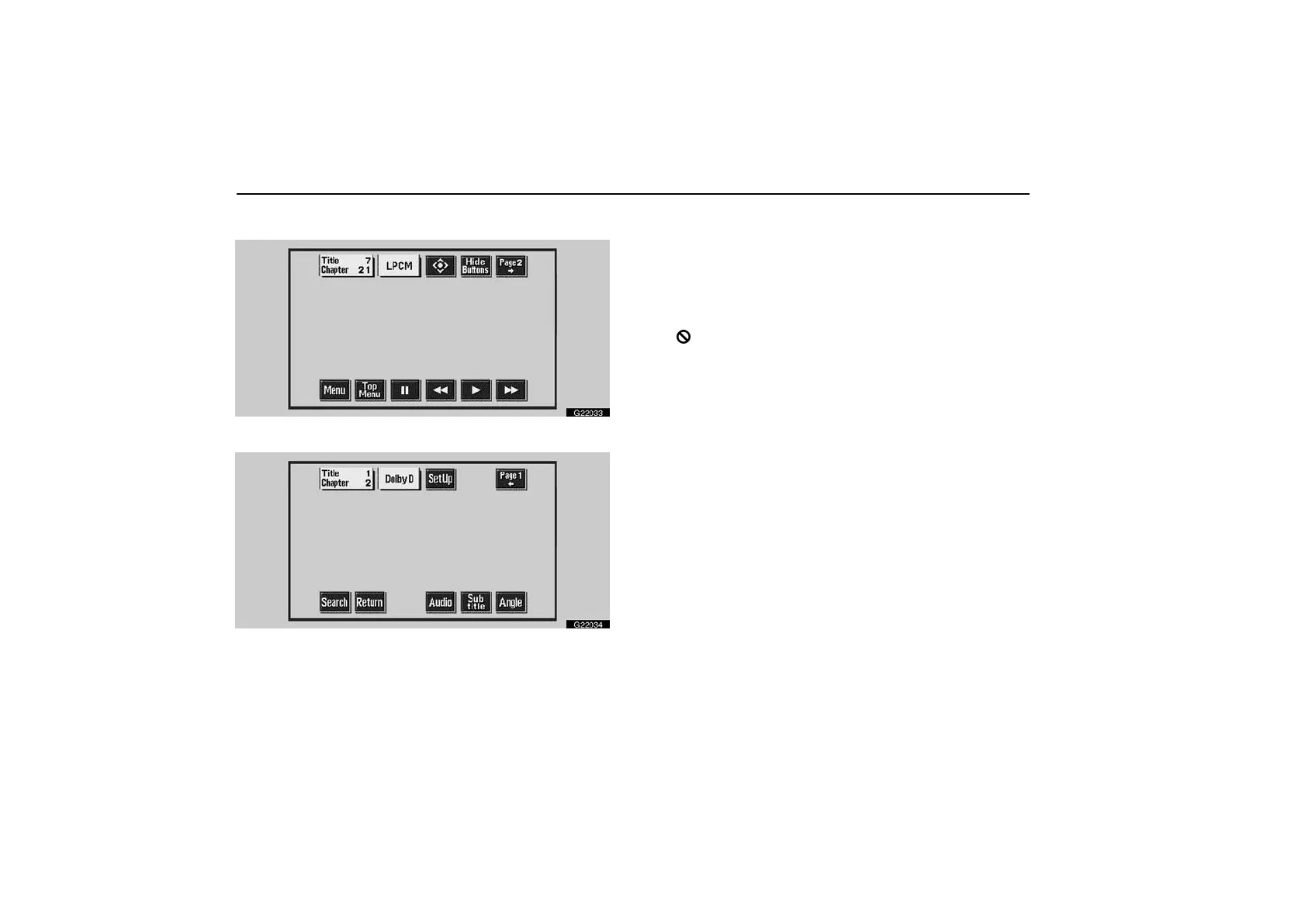
Displaying operation switches—
G22033
G22034
If you touch a part of the screen, where switches are not
located while you are watching video, DVD video operation
switches will appear.
“Page 2” switch: Use this switch to display the operation
switches on the second page.
“Page 1” switch: Use this switch to display the operation
switches on the top page.
“Hide Buttons” switch: Use this switch to turn off the
operation switches from the display.
If “
” appears on the display when you touch a switch, the
operation relevant to the switch is not permitted.



 To Next Page