AUDIO
326
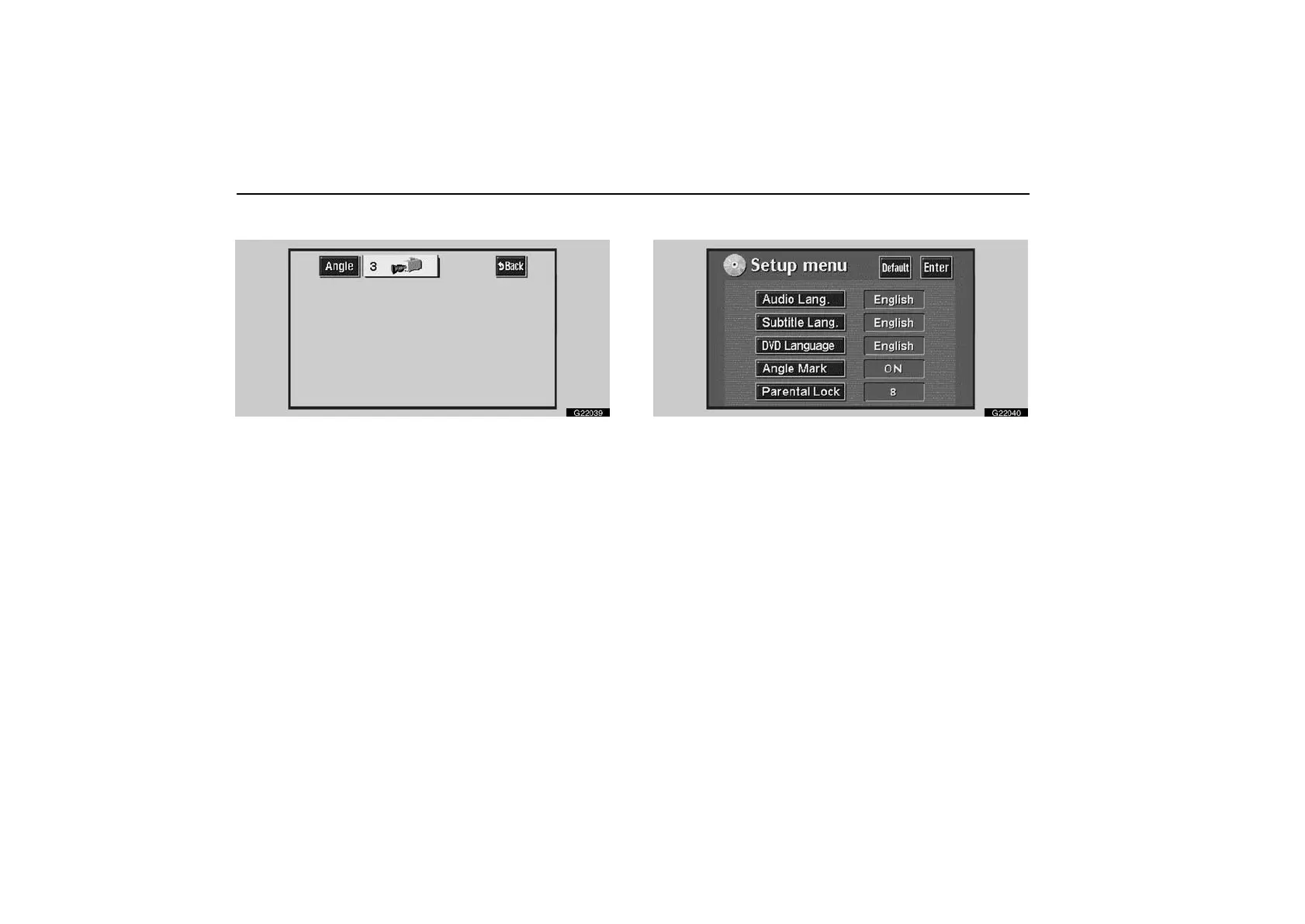
Changing the angle—
G22039
The angle can be selected for discs that are multi−angle
compatible when the angle mark appears on the display.
Each time you touch “Angle”, the angle changes.
Touch “Back”, and the previous screen returns.
Setup menu—
G22040
The initial setting can be changed.
Audio language
You can change the audio language.
1. Touch “Audio Lang.”.
2. Touch the language you want to hear on the “Select
Audio Lang.” screen and “Enter”.
If you cannot find the language you want to hear on this screen,
touch “Others” and enter a language code. For the entry of
language code, see the following “Entry of language code—”
on page 328.



 To Next Page