175
2-2. Instrument cluster
2
When driving
IS250/220d/200d_EE
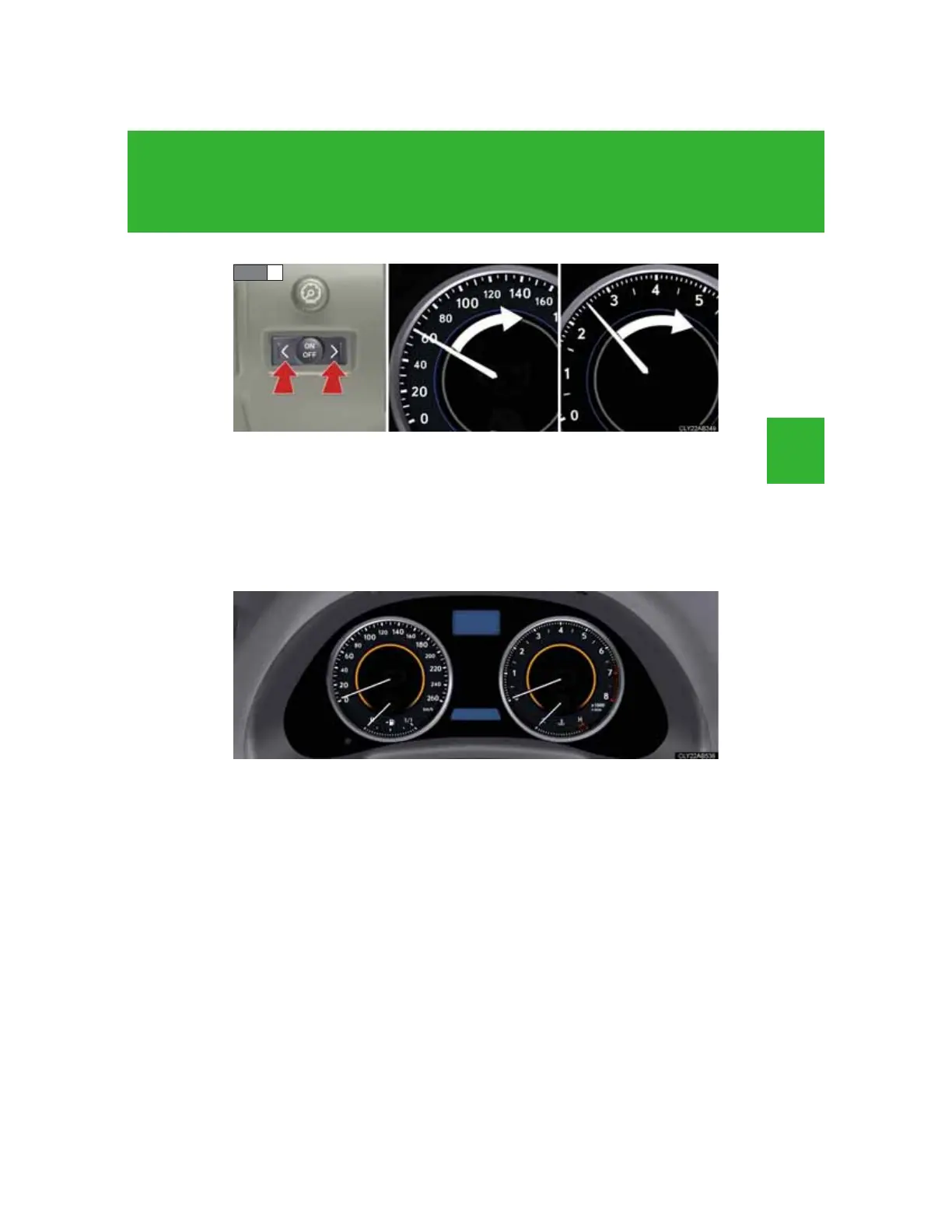
Push “
” or “” within 6 seconds of the speedometer or tachome-
ter needle moving to change the setting of the desired speed, then
turn the indicator mode to “ON” by pushing the “ON/OFF” button.
Pushing and holding the switch changes values at a faster rate.
If the satellite switch is not operated for some time, the multi-informa-
tion display returns to its previously displayed content.
The yellow indicator is displayed to indicate that the desired speed
has been set.















 To Next Page