85
LC500_LC500h_QG_OM11618U_(U)
■ Phone
*: If the system does not recognize the name of a contact, create a voice tag. The name of
a contact can also be recognized by adding a voice tag.
■ While in a phone call
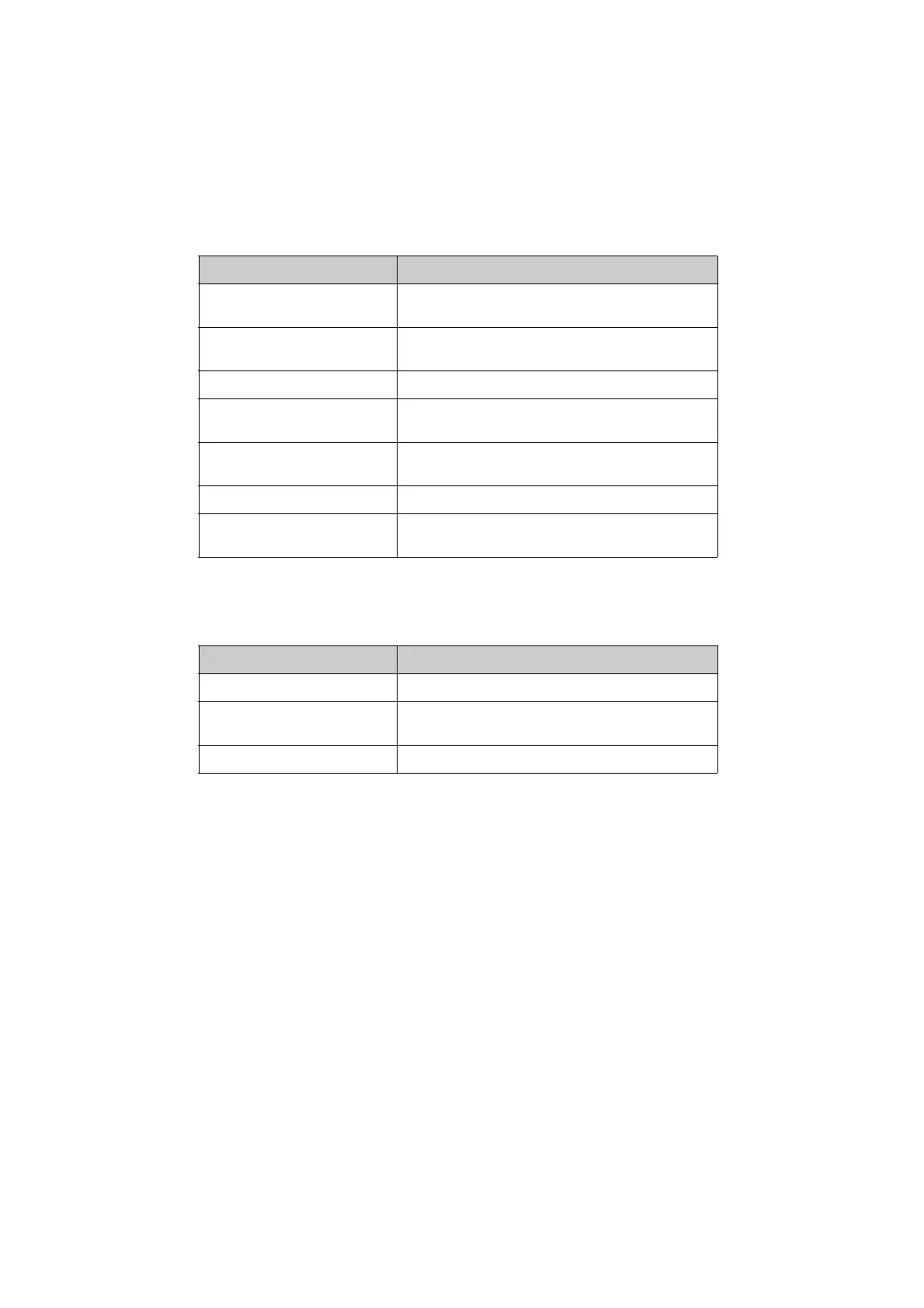
Command Action
“Call <contact>”*
Places a call to the specified contact from the phone
book
“Call <contact> <phonetype>”*
Places a call to the specified phone type of the contact
from the phone book
“Dial <phone number>” Places a call to the specified phone number
“Redial”
Places a call to the phone number of the latest outgo-
ing call
“Call Back”
Places a call to the phone number of latest incoming
call
“Show Recent Calls” Displays the call history screen
“Send a message to <contacts>”
Sends a text message to specified contact from the
phone book
Command Action
“Send <digits>” Sends DTMF tones has specified
“Mute”
Mutes the microphone (far side cannot hear the con-
versation)
“Unmute” Unmutes the microphone



 To Next Page