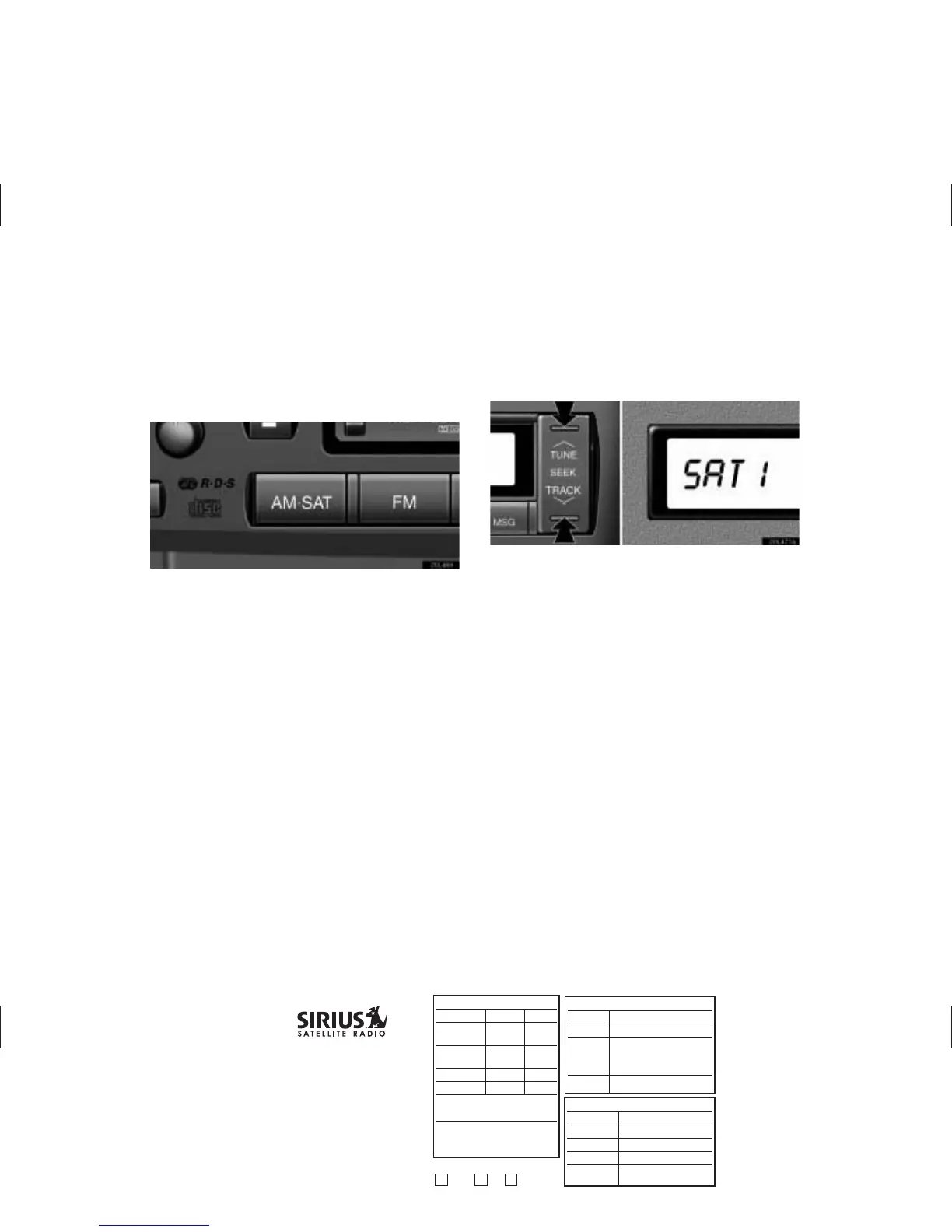
(c) Listening to the satellite radio
Push the “AM·SAT” button to choose a SAT station.
Besides “AM”, “SAT1”, “SAT2” or “SAT3” appears on the display.
Push this button to select the next or previous channel.
If you push and hold the button, you can rapidly scroll forward or
down through the channels. When displaying the channel
category by the “TYPE” button, pushing the “TUNE SEEK” button
lets you select the next or previous channel within the currently
selected type.
2
APPROVAL INITIAL DATE
Originator:
Pr
oofr
eader:
n
n
Check Legal
Mac Artist:
n
n
Spell check
T
r
affic/Pr
od:
Gr
aphics Mg:
E-mail to Originator:
n
n
PDF
n
n
PDF cr
opped
n
n
jpeg
FTP for Originator:
(lis
t det
ails)
05-3013
T
o
y
ota Radio Manual PDF
LS430
T
rim: 11" x 8.5"
Line Screen: 72 dpi
4C/0
GRAPHICS GROUP
1221 A
v
enue of the Americ
as, NY, NY 10020
212-901-6536 or 212-584-5117
Originator is responsible for final proofreading, specs, sizes, brand and legal approvals.
RELEASE INF
ORMA
TION
Quantity:
Stock:
Shipping
Loc
ation:
Due Date:
In hand
FULFILLMENT
INFORMATION
Originator:
Department:
Threshold:
Ent
er Online:
NO
Online Code:
OKA
Y t
o Release
Org
T
rf
GRP M



 To Next Page