220
AUDIO/VIDEO SYSTEM
LS460_Navi_U (L/O 0609)
2007 LS460L/LS460 Navigation from Aug. ’06 Prod. (OM50750U)
D
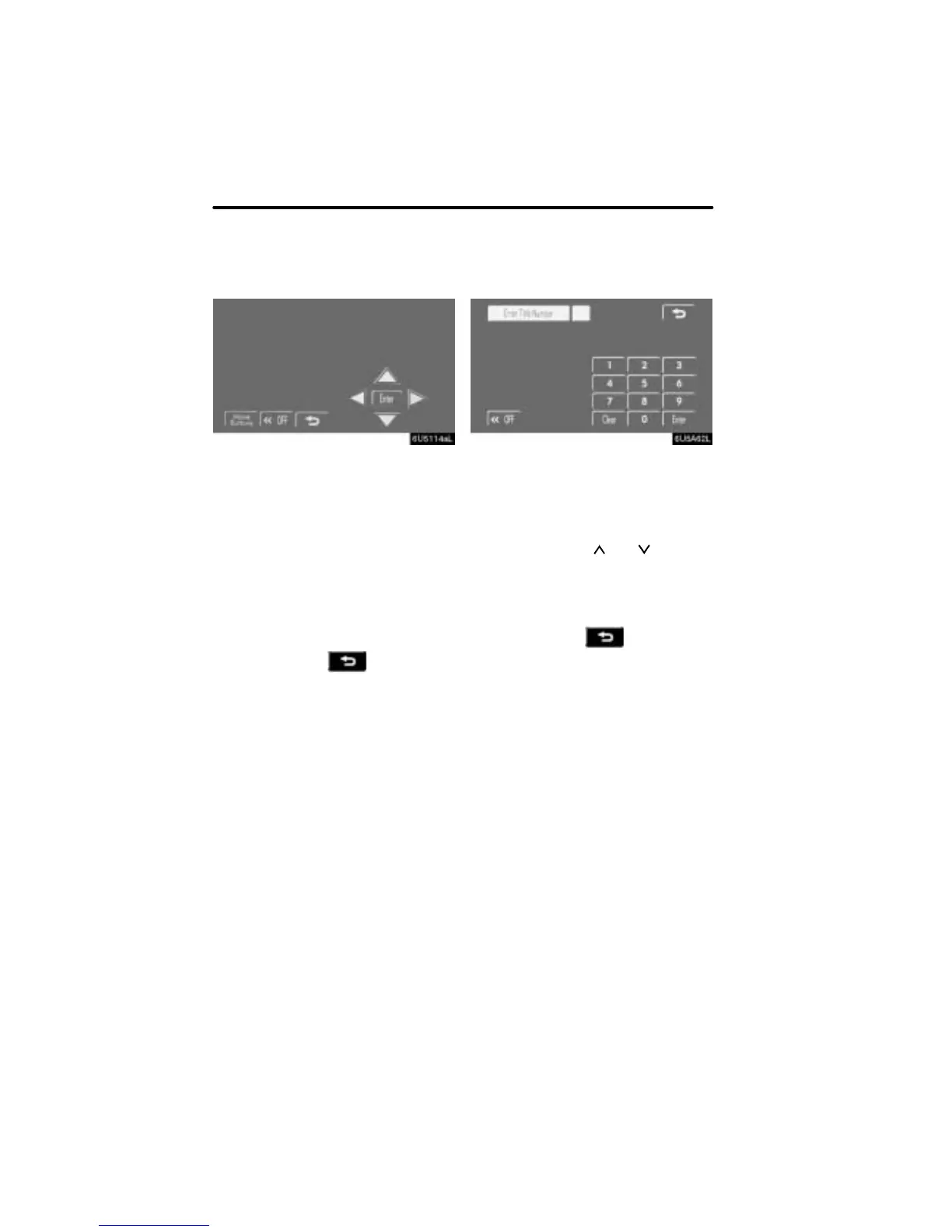
Selecting a menu item
Enter the menu item using Y, ", B and
A buttons and touch “Enter”.
The changer starts playing video for that
menu item. (For details, see the manual
that comes with the DVD video disc pro-
vided separately.)
Each time you touch “Move Buttons”, the
controls on the screen move upward and
downward.
When you touch “<<OFF”, the controls
will disappear. To display them again,
touch “>>ON”.
When you touch
, the previous
screen returns.
D Searching by title
DVD video only —
Enter the title number and touch “En-
ter”.
The player starts playing video for that title
number.
When you push the “
” or “ ” button of
“SEEK/TRACK”, you can select a chap-
ter.
If you enter the wrong numbers, touch
“Clear” to delete the numbers.
When you touch
, the previous
screen returns.



 To Next Page