223
LS460_Navi_U (L/O 0609)
AUDIO/VIDEO SYSTEM
2007 LS460L/LS460 Navigation from Aug. ’06 Prod. (OM50750U)
D
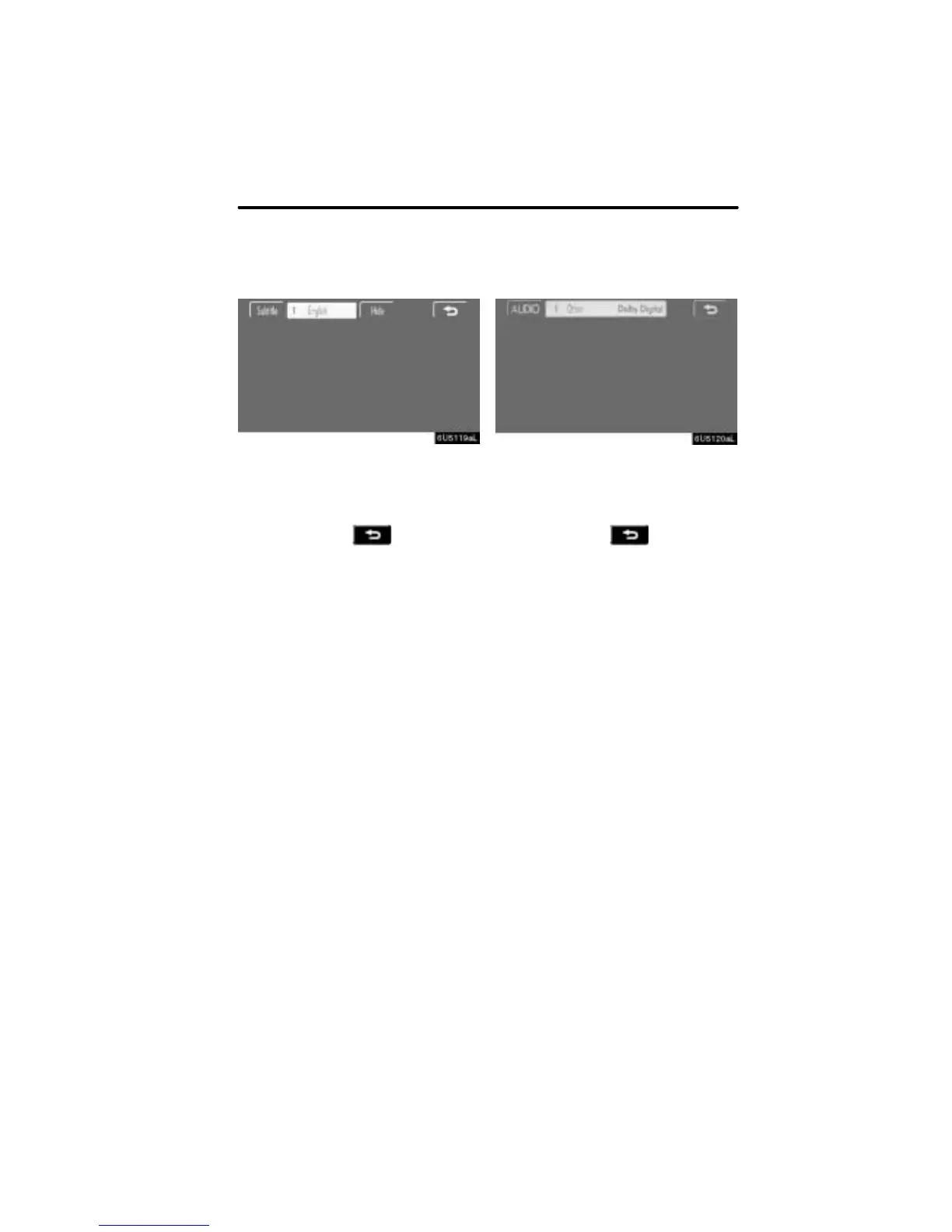
Changing the subtitle language
Each time you touch “Subtitle”, the lan-
guage is selected from the ones stored
in the discs and changed.
To turn off the subtitle, touch “Hide”.
When you touch
, the previous
screen returns.
D Changing the audio language
DVD video only —
Each time you touch “AUDIO”, the lan-
guage is selected from the ones stored
in the discs and changed.
When you touch
, the previous
screen returns.



 To Next Page