229
LS460_Navi_U (L/O 0609)
AUDIO/VIDEO SYSTEM
2007 LS460L/LS460 Navigation from Aug. ’06 Prod. (OM50750U)
(e) Operating a video CD
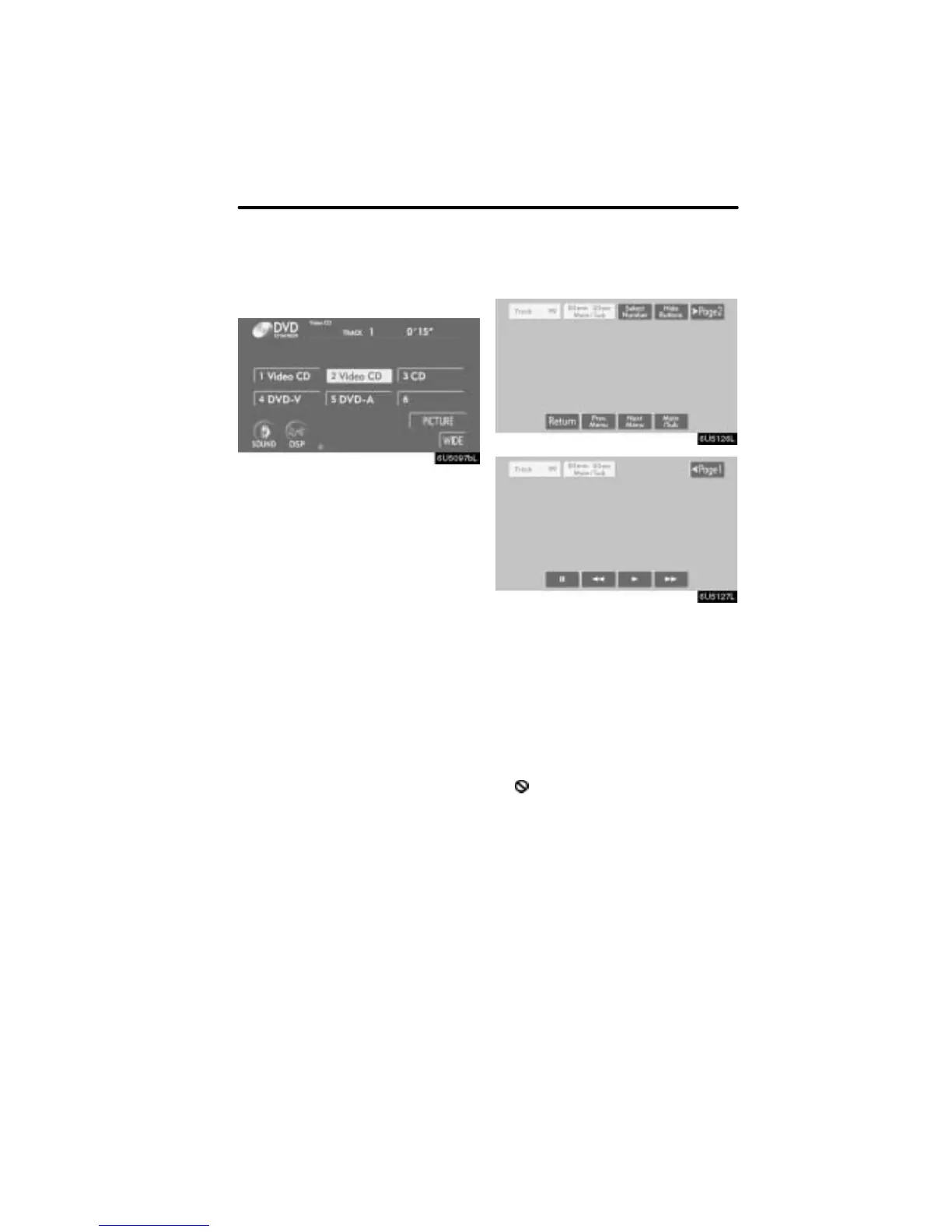
D Playing a video CD
Push the “AUDIO” button to display
this screen.
When you touch “WIDE”, the screen
mode can be changed.
It you touch “PICTURE” when the vehicle
is completely stopped and the parking
brake is applied, the video screen returns.
D Displaying operation buttons
If you touch the part where touch−screen
buttons are not located while you are
watching video on the video CD, video CD
operation buttons will appear.
“>Page2”: Use this button to display the
operation buttons on the second page.
“<Page1”: Use this button to display the
operation buttons on the top page.
“Hide Buttons”: Use this button to turn off
the operation buttons from the display.
If “
” appears on the display when you
touch the button, the operation is not per-
mitted.



 To Next Page