243
LS460_Navi_U (L/O 0609)
AUDIO/VIDEO SYSTEM
2007 LS460L/LS460 Navigation from Aug. ’06 Prod. (OM50750U)
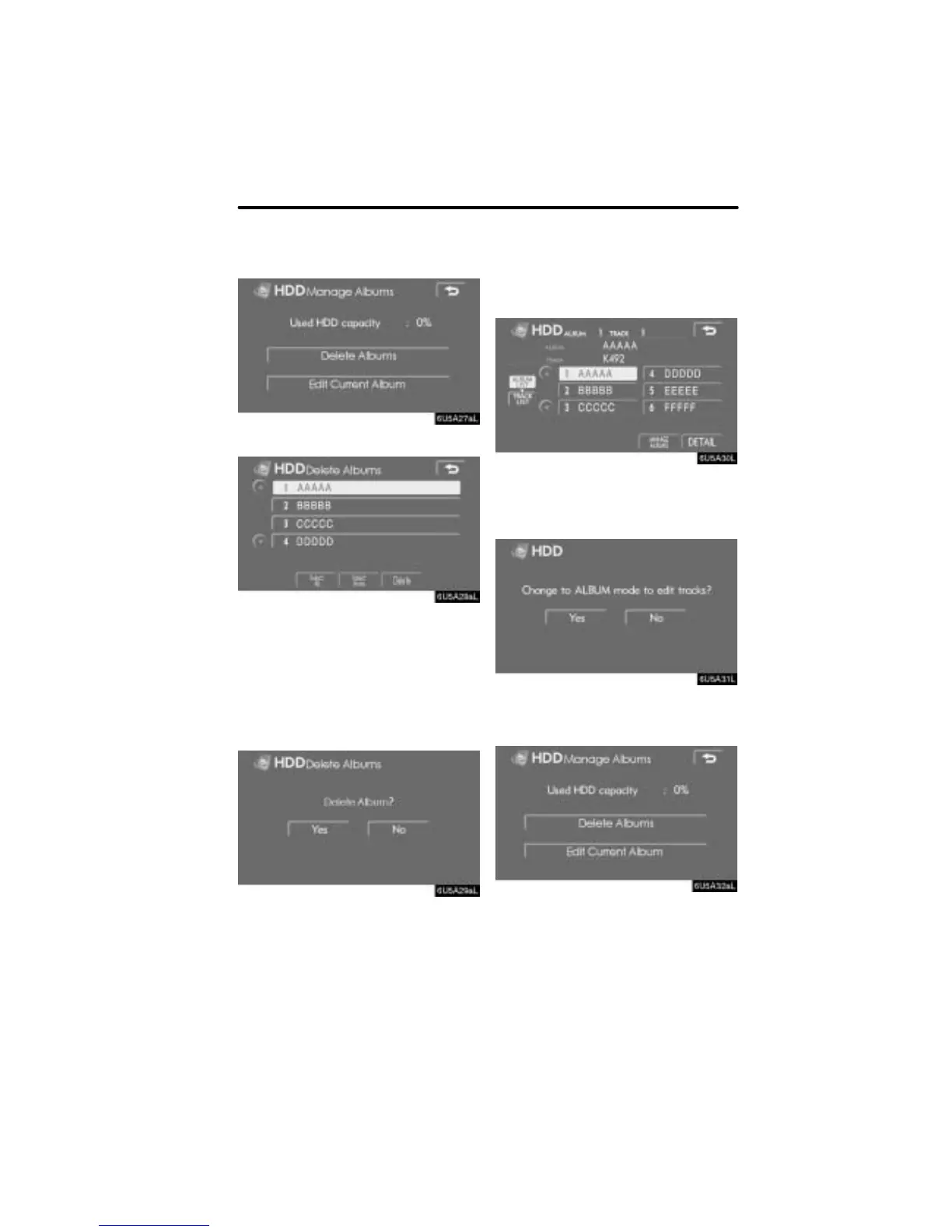
2. Touch “Delete Albums”.
3. Select a desired album from the list
and touch “Delete”.
Touching the desired album from the list
again cancels the selection.
Touch “Select All” to select all the al-
bums.
Touch “Select None” to cancel all the
selections.
4. Touch “YES”.
D Deleting tracks
Selected tracks can be deleted.
1. Play the desired track and touch
“MANAGE ALBUMS” on the album
mode, artist mode or genre mode
screen.
If you touched “MANAGE ALBUMS” on
the artist mode or genre mode screen,
touch “YES”.
2. Touch “Edit Current Album”.



 To Next Page