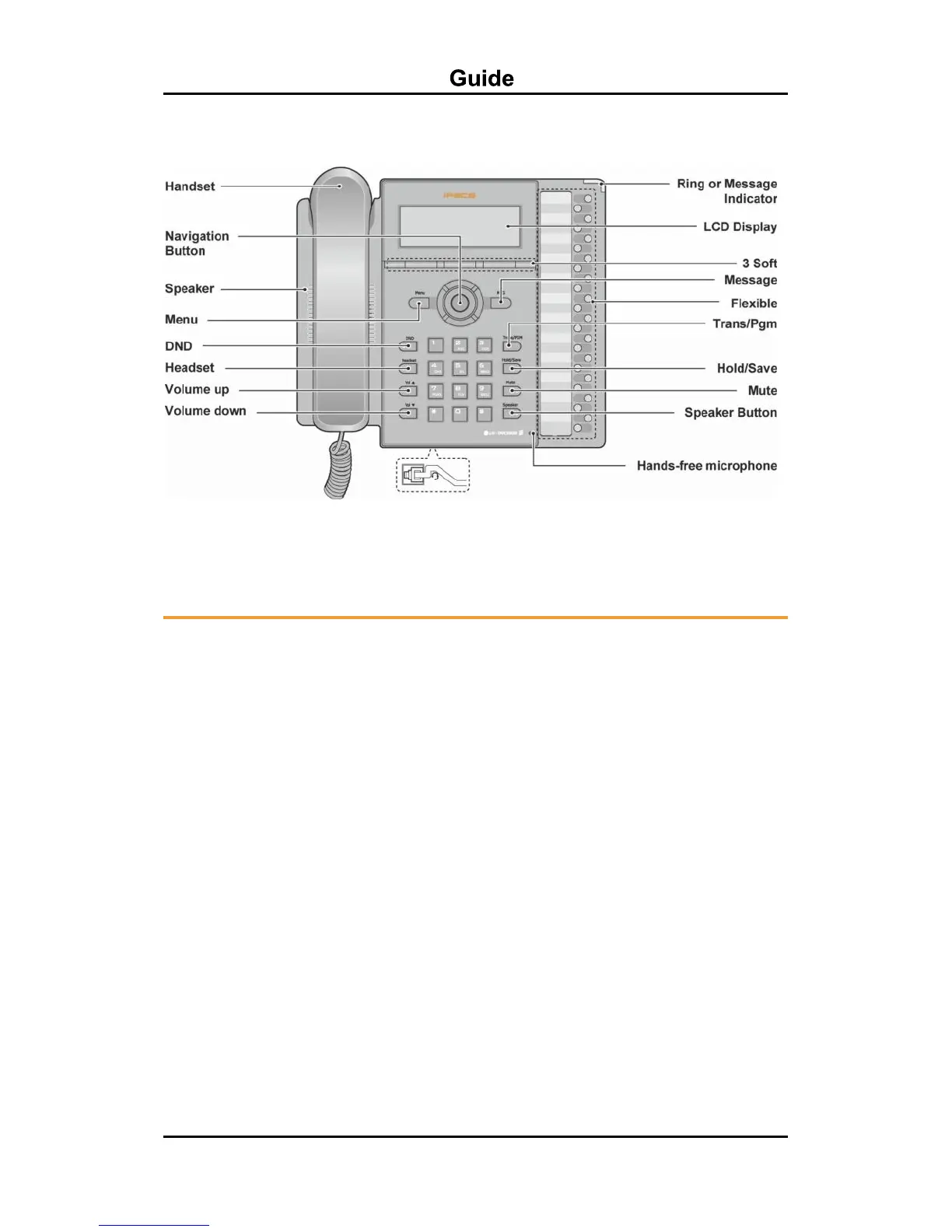
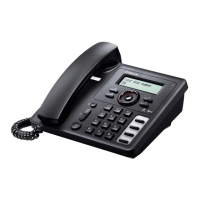
Figure LIP-8024E
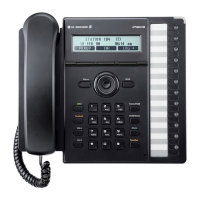
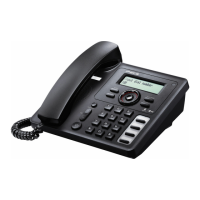
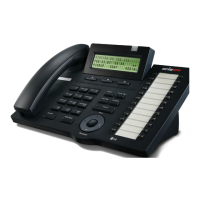
*The Button names and layout may be a bit different among LIP-8012E/24E/40E. For more
detailed information, refer to the User guide each model.
Fixed Feature Button
Definitions
DND – Blocks all incoming calls; red LED illuminates.
Headset – Toggle to activate; red LED illuminates.
Vol
– Adjusts volume for ringing, headset, and speaker phone; adjusts LCD brightness
(in idle state).
Trans/PGM –Initiates call transfer, or enters programming mode.
Hold/Save – Places active call on hold or saves programming information.
Mute – Toggle outgoing audio; red LED illuminates.
Speaker – Toggle to activate; red LED illuminates.
Menu – Used to move to desired option for programming.
MSG – When illuminated indicates message waiting; used to access Voice Mail server.
3 Soft Buttons – Used with fixed and flexible features; use changes in relation to LCD display.
Flexible – Some are system pre-programmed for line appearance, and some are user
programmable.
Ring/MSG Indicator – Illuminates when ringing, or message waiting.
LCD Display – Phone interface for status, dialing directories, and text message information.
Hands-free Microphone – Used for hands-free speaker phone function.
Navigation button – Used to select and/or execute items in Soft menu or Station settings
(when pressing MENU button).










 To Next Page