28
Text Input
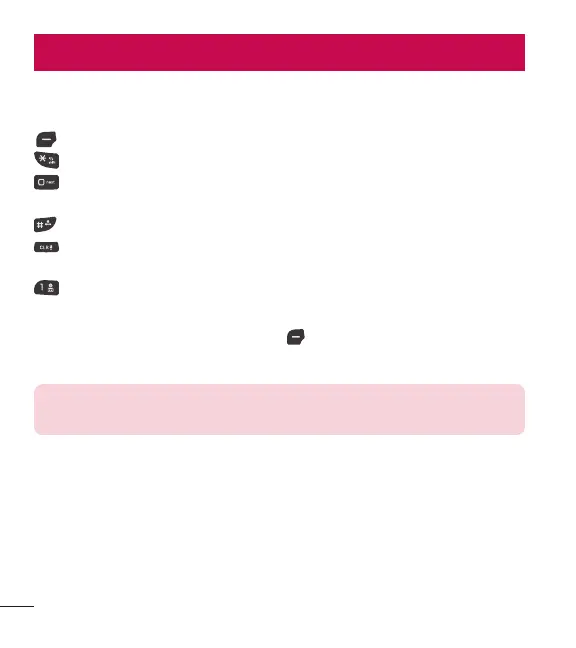
The following key functions are available to help with text entry:
Left Selection Key: Press to change the text input mode.
Shift: Press to change capitalization (initial cap, caps lock, lowercase).
Next: Press to display other matching words in the database in T9 word
mode.
Space: Press to complete a word and insert a space.
Clear: Press to delete a single space or character. Hold to delete the entire
text.
Punctuation: Press to insert punctuation symbols.
Text Input Modes
In a text field, press the Left Selection Key
to select a text input mode:
T9 Word/ Abc/ ABC/ 123/ T9 Palabra/ Symbols/ Templates
NOTE: T9 Palabra is the Spanish counterpart of T9 Word which utilizes
accents, tildas, etc. for correct Spanish word spelling.
Entering and Editing Information



 To Next Page