EasyManua.ls Logo

LG 32LE7900 - Page 153

LG 32LE7900
263 pages
Print Icon
To Next Page IconTo Next Page
To Previous Page IconTo Previous Page
Loading...
115
TO USE A USB DEVICE
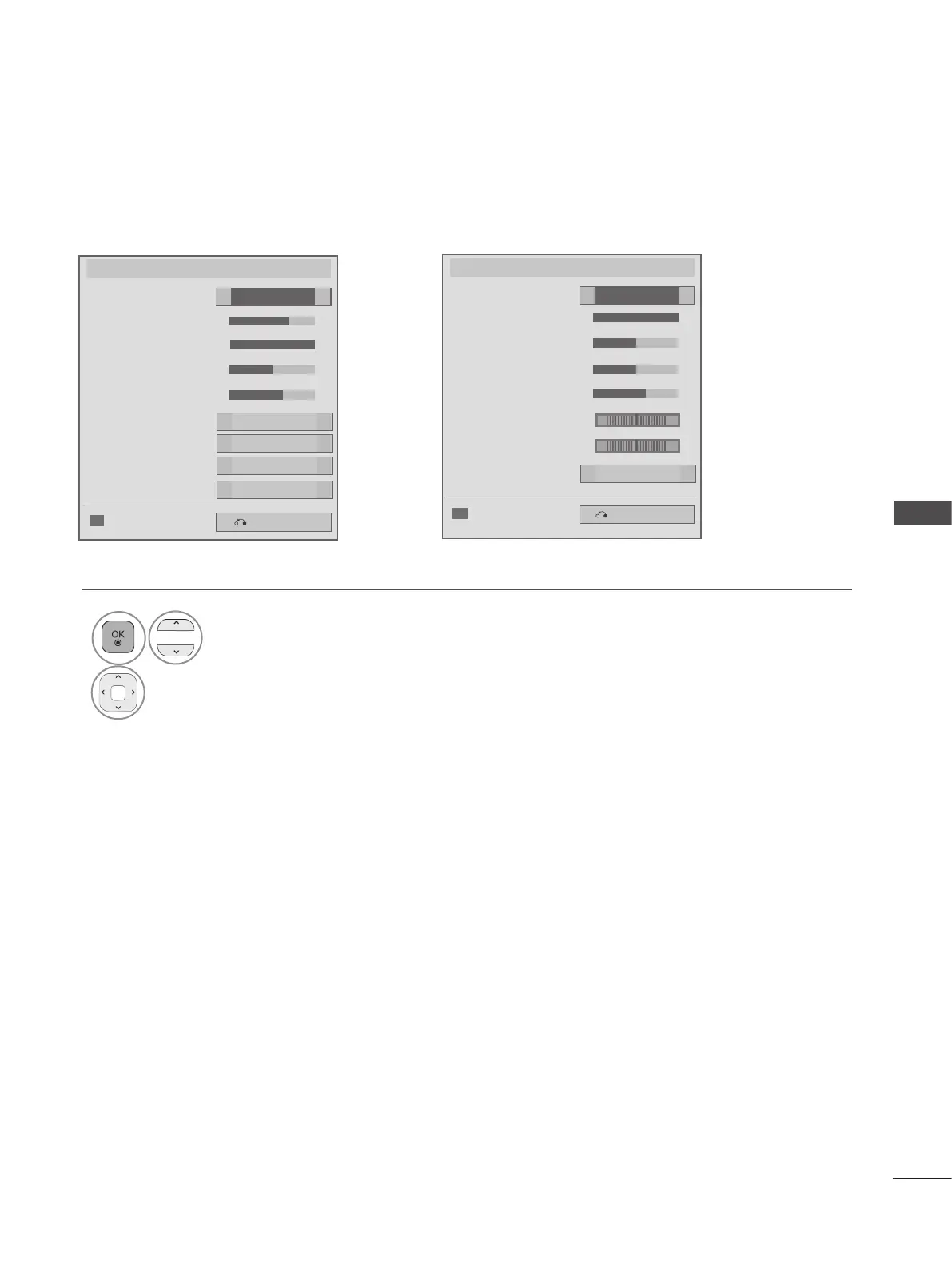
■ When you select the Set Video,
1
Select Picture Mode or TruMotion.
2
Make appropriate adjustments. (Refer to p. 139 to 148)
Set Video.
Picture Mode
● Dynamic Contrast
Previous
● Backlight 70
● Brightness 50
● Colour 60
● Contrast 100
◄
►
◄ ►
Standard
◄ ►
Medium
◄ ►
● Edge Enhancer
High
◄ ►
● Noise Reduction
Medium
◄ ►
TruMotion
Low
◄ ►
◄ ►
◄
Picture Reset
LCD TV/LED LCD TV only
Set Video.
Picture Mode
Previous
Photo
◄ ►
● Dynamic Contrast
Off
◄ ►
● Colour 60
◄ ►
◄ ►
◄ ►
● Tint 0
● Colour Temp. 0
● Contrast 100
● Brightness 50
◄
►
● Sharpness 50
◄ ►
◄
Picture Reset
PLASMA TV Only
R G
W
C
◄
■ Image shown may differ from your TV.

Table of Contents