36
WATCHING TV / PROGRAMME CONTROL
WATCHING TV / PROGRAMME CONTROL
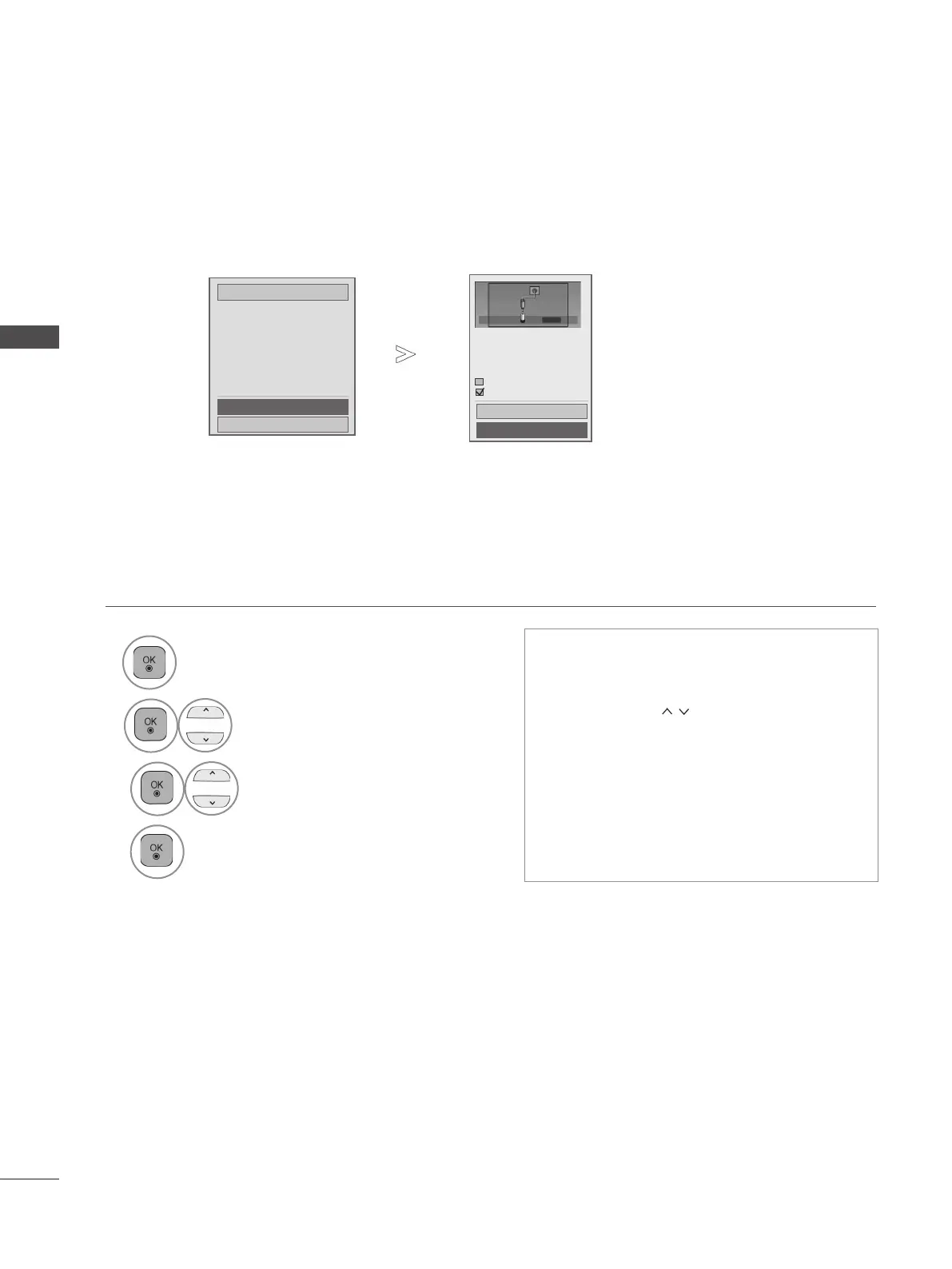
■ When you select the Full,
Search every available signal.
Full
OK
Close
• Use NUMBER
buttons to input a 4-digit
password in Lock System ‘On’.
• If you wish to keep on auto tuning, select
Start using the
button. Then, press
the OK button. Otherwise select Close.
• Automatic Numbering: Decide whether
to use the programme numbers as sent
by broadcasting stations for tuning.
• Skip Scramble Programme : Scramble
Channel is skipped in Auto Tuning and
Manual Tuning.
• Press the MENU/EXIT button to return to normal TV viewing.
• Press the BACK button to move to the previous menu screen.
6
Select Full.
7
Select OK.
8
Select Start.
9
Run Auto tuning.
Check your antenna connection.
The previous channel information
will be updated during Auto Tuning.
Skip Scramble Programme
Automatic Numbering
Start
Close
Cable
Cable



 To Next Page