EasyManua.ls Logo

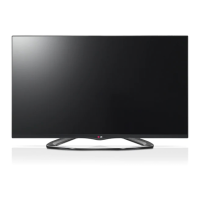
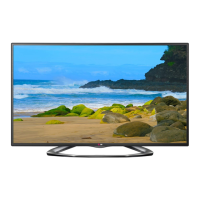
LG 42LA6250-UA - User Manual

LG 42LA6250-UA
42 pages
Print Icon
To Next Page IconTo Next Page
Loading...
Order Number
: GETEC-C1-13-026
FCC Part 15 subpart B
Test Report Number
: GETEC-E3-13-008
Page 1 / 1
EUT Type: LED TV/Monitor
FCC ID.: BEJ42LA6200UA
APPENDIX G
: USERS MANUAL

Questions and Answers

  • J
    john27Aug 10, 2025
    Why does my LG 42LA6250-UA LED TV turn off suddenly?
    • V
      Vincent MitchellAug 10, 2025
      Your LG LED TV might be turning off suddenly due to a few reasons. Check your power control settings to ensure there are no interruptions. Also, look in the Time settings to see if the Off Time / Sleep Timer feature is enabled. If the TV doesn't receive a signal for 15 minutes, it will automatically turn off.
  • J
    Julian BairdAug 25, 2025
    How to fix LG 42LA6250-UA remote control not working?
    • S
      Shirley MorrisAug 26, 2025
      First, make sure that there isn't anything blocking the remote control sensor on your LG LED TV. Next, check for any obstacles between the remote and the TV. Finally, ensure the batteries in your remote are working and correctly installed.

LG 42LA6250-UA Specifications

General IconGeneral
Screen Size42 inches
Display TypeLED
Resolution1920 x 1080
Refresh Rate120 Hz
Smart TVYes
HDMI Ports3
USB Ports3
Built-in Wi-FiYes
3D CapableYes
Energy Star CertifiedYes
Audio Output20W
Operating SystemLG webOS

Related product manuals