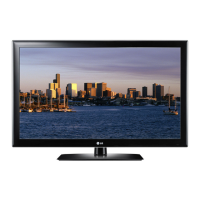
PICTURE CONTROL
65
•
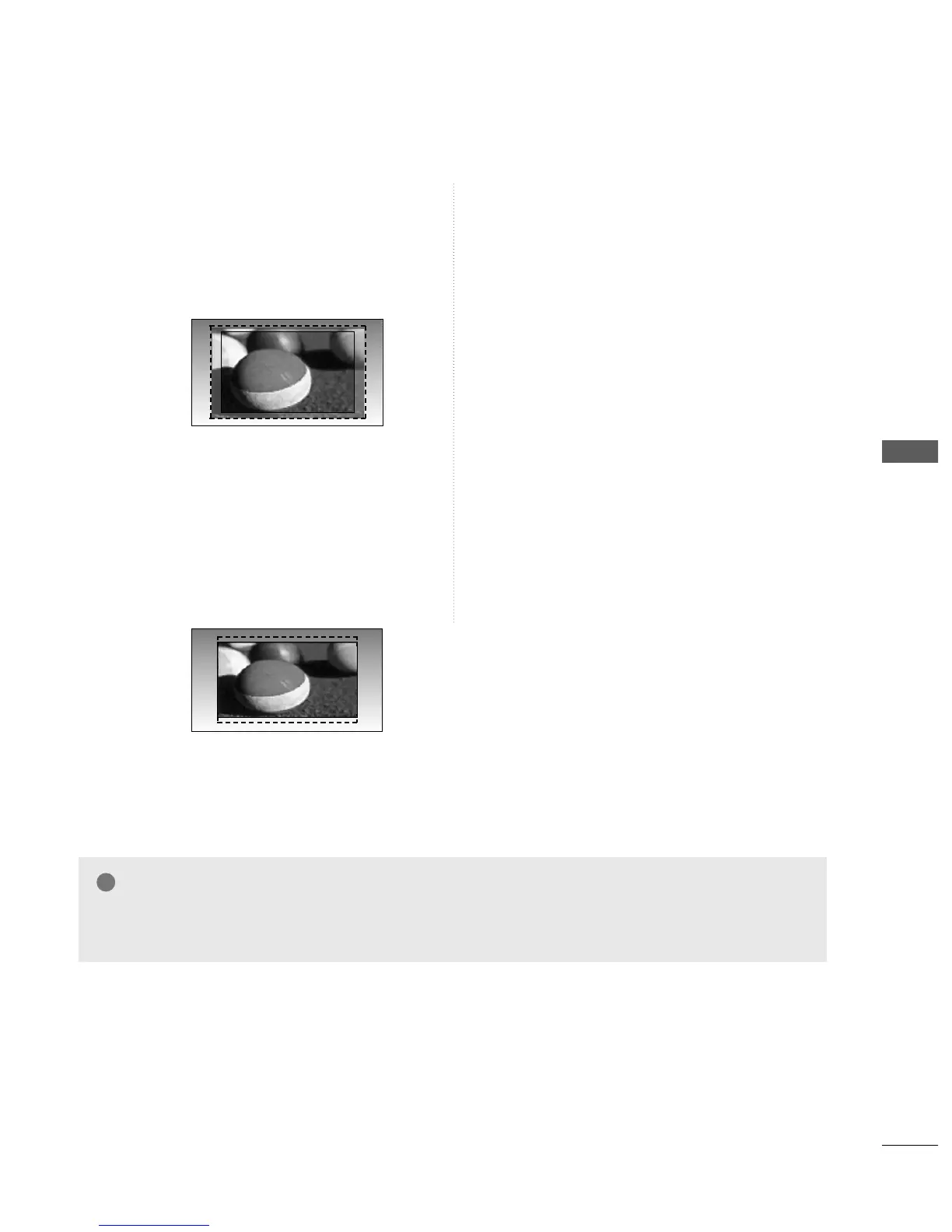
ZZoooomm11
The following selection will allow you to view
the picture without any alteration, while filling
the entire screen. However, the top and bot-
tom of the picture will be cropped.
•
ZZoooomm22
Choose Zoom 2 when you wish the picture to
be altered, both horizontally extended and
vertically cropped. The picture adopting a
compromise between alteration and screen
converage.
•
JJuusstt SSccaann
(Except 22LG3***)
Following Selection will lead to you view the
picture of best quality without loss of original
picture in high resolution image.
Zooml
DE
Zoom2
DE
NOTE
GG
You can only select 4:3,16:9 (Wide) in Component, HDMI, RGB(PC) mode.
GG
In HDMI/Component (over 720p)mode, Just Scan(Except 22LG3***) is available.


 To Next Page