19. Trouble shooting - USB connection error
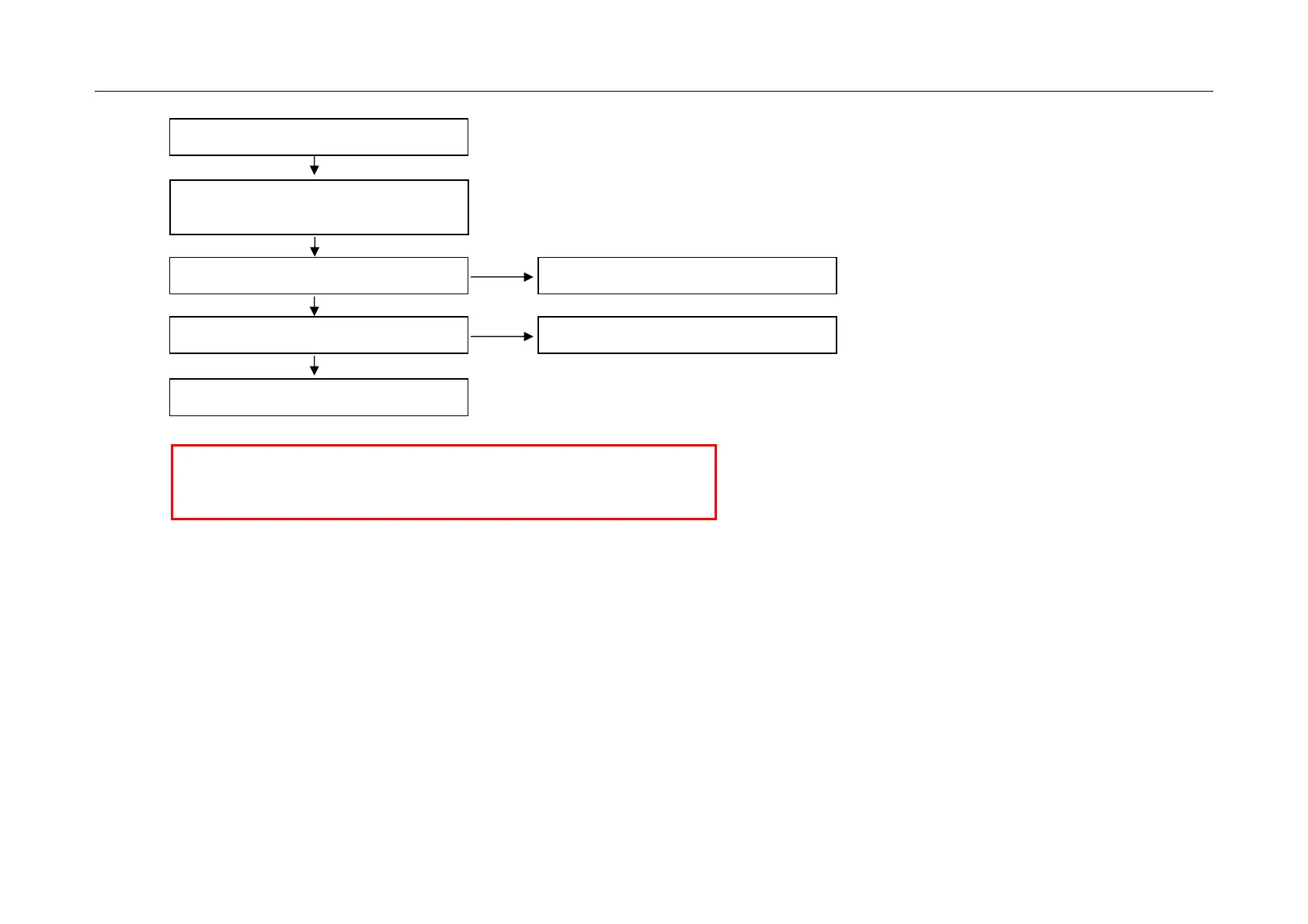
Check USB 2.0 Cable
N
Check USB jack
(P300 or P301)
Y
N
N
Check USB device
If device is 2.5 inch HDD,
Check power adaptor
Replace Jack
Check 5V voltage level at Bead or Jack
Y
Replace one of
IC301 or IC302 and then check
N
Maybe BCM3549(IC900)
has problems. Replace It.
• Exception
- USB power could be disabled by inrushing current
- In this case, remove the device and try to reboot the TV (AC power off/on)
Copyright ⓒ 2010 LG Electronics. Inc. All right reserved.
Only for training and service purposes


 To Next Page