TV MENU
/
CableCARD
TM
FUNCTION
108
SCRAMBLED CHANNEL
TV MENU
CableCARD
TM
FUNCTION
INFO i
TV GUIDE
ENTERENTER
SAP
CC
RATIO
POWER
DAY -
DAY+
VCR
TV
DVD
AUDIO
CABLE
STB
MODE
TV INPUT
INPUT
MENUMENU
EXIT
PPlleeaassee ccaallll yy oouurr ooppeerraattoorr aanndd rr eeppoorrtt aann iinnvvaalliidd CCaabb lleeCCAARRDD
TTMM
..
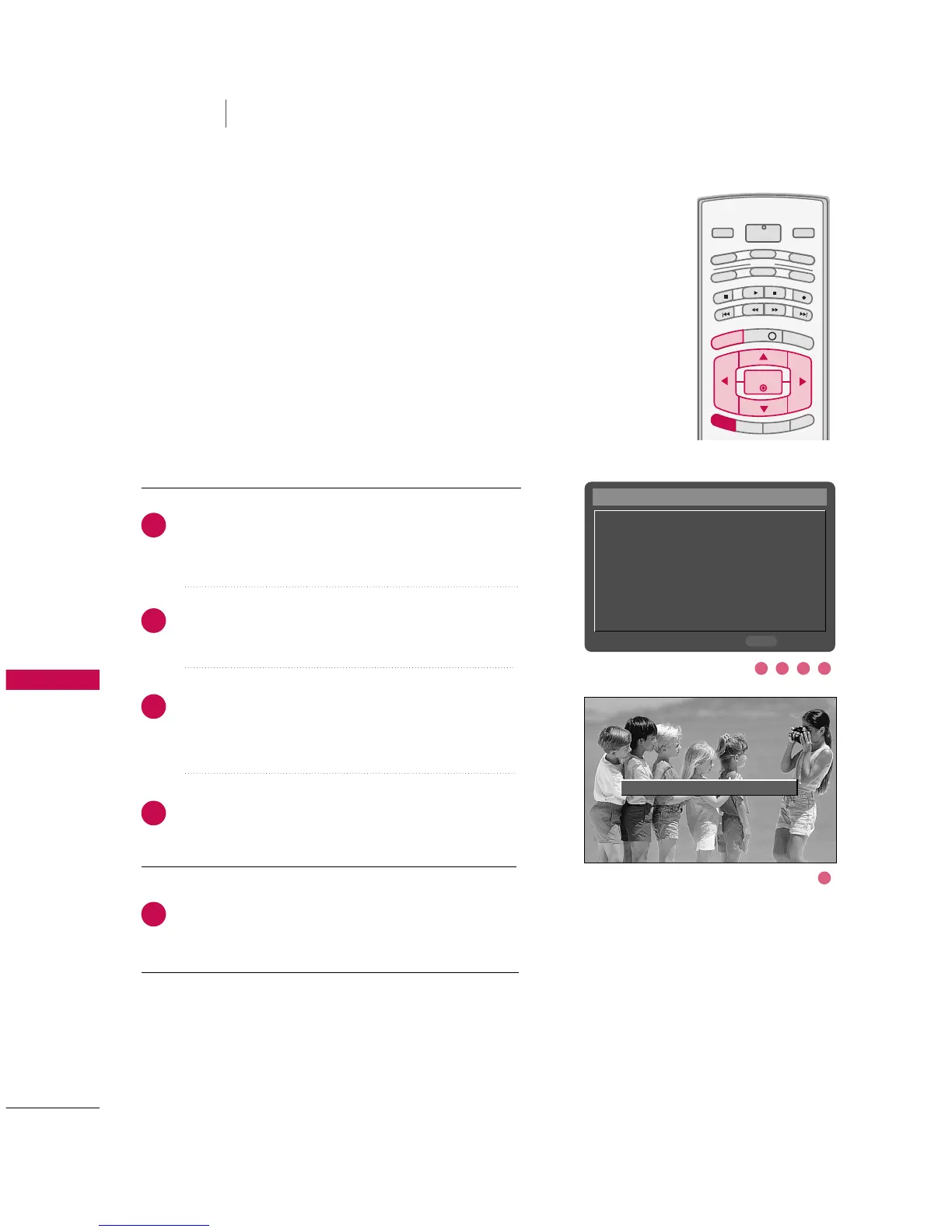
Insert the CableCARD
TM
. It takes about 1 minute to
exchange data between the TV and the CableCARD
TM
.
The screen displays information as shown to the right.
Let your cable TV service provider know the
CableCARD
TM
ID and Host ID.
If your cable TV service provider registers the
CableCARD
TM
ID and Host ID, you can watch premium
or high value channel. If you are subscribed to them.
If you registered with the cable TV service provider,
you can watch premium or high value channel without
a message.
If the certificates don’t match between the TV and the
CableCARD
TM
, the OSD
(
On screen display
)
displays
as shown right.
CableCARD™ Message
In order to start service for
this device, please contact
customer service at
Ph#: 1-866-303-0422
CableCARD(tm): 0-010-405-698-001
HOST ID: 0-080-000-000-226
Exit
EXIT
2
3
4
5
1
21 4
5
3



 To Next Page