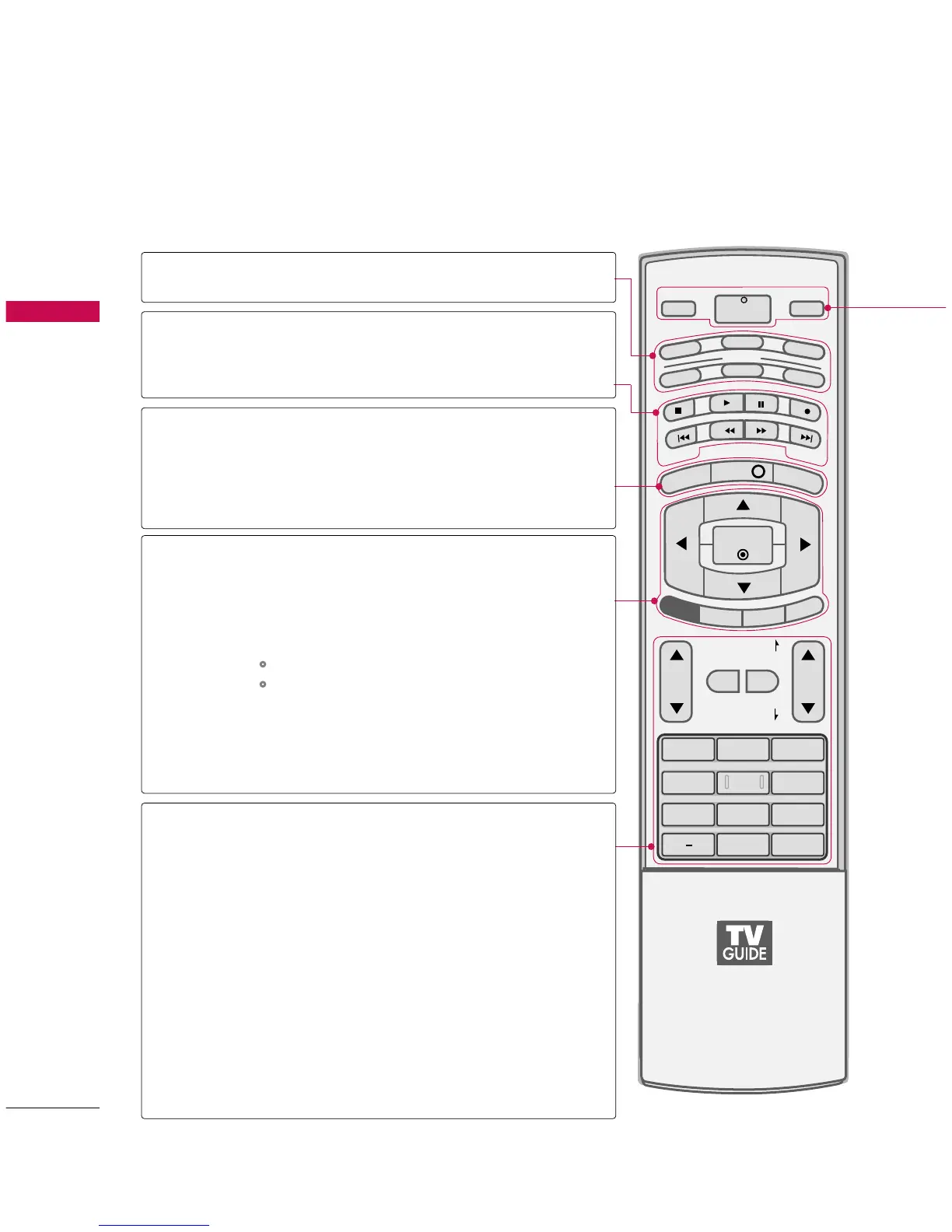
MODE
DAY+/DAY-
MENU
INFO
TV GUIDE
THUMBSTICK
(Up/Down/Left
Right/ENTER)
EXIT
SAP
CC
RATIO
VOLUME UP
/DOWN
MUTE
FAV
CHANNEL
UP/DOWN
PAGE UP/
PAGE DOWN
— (DASH)
FLASHBK
Select the remote operating mode: TV, DVD, VCR,
AUDIO, CABLE or STB.
Control video cassette recorders or DVD players.
Move the Listings Grid forward or backward in 24 hour
increments.
Displays the main menu. Enters or exits a Panel Menu in
the TV Guide On Screen system.
Display information at the top of the screen.
GG
pp..9999
Displays the TV Guide On Screen system.
Navigate the on-screen menus and adjust the system set-
tings to your preference.
Clear all on-screen displays and return to TV viewing
from any menu.
Analog mode: Selects MTS sound(Mono, Stereo, and a SAP)
DTV mode: Change the audio language.
Select a closed caption.
GG
pp..9944
(*In DTV/CADTV mode
GG
pp..9955
)
Change the aspect ratio.
GG
pp..9922--9933
Increase/decrease the sound level.
Switch the sound on or off.
GG
pp..3388
Scroll through the programmed Favorite channels.
Select available channels.
Move from one full set of screen information to the next
one.
Used to enter a program number for multiple program
channels such as 2-1, 2-2, etc.
Tune to the last channel viewed.
VCR/DVD
control buttons
NUMBER button



 To Next Page