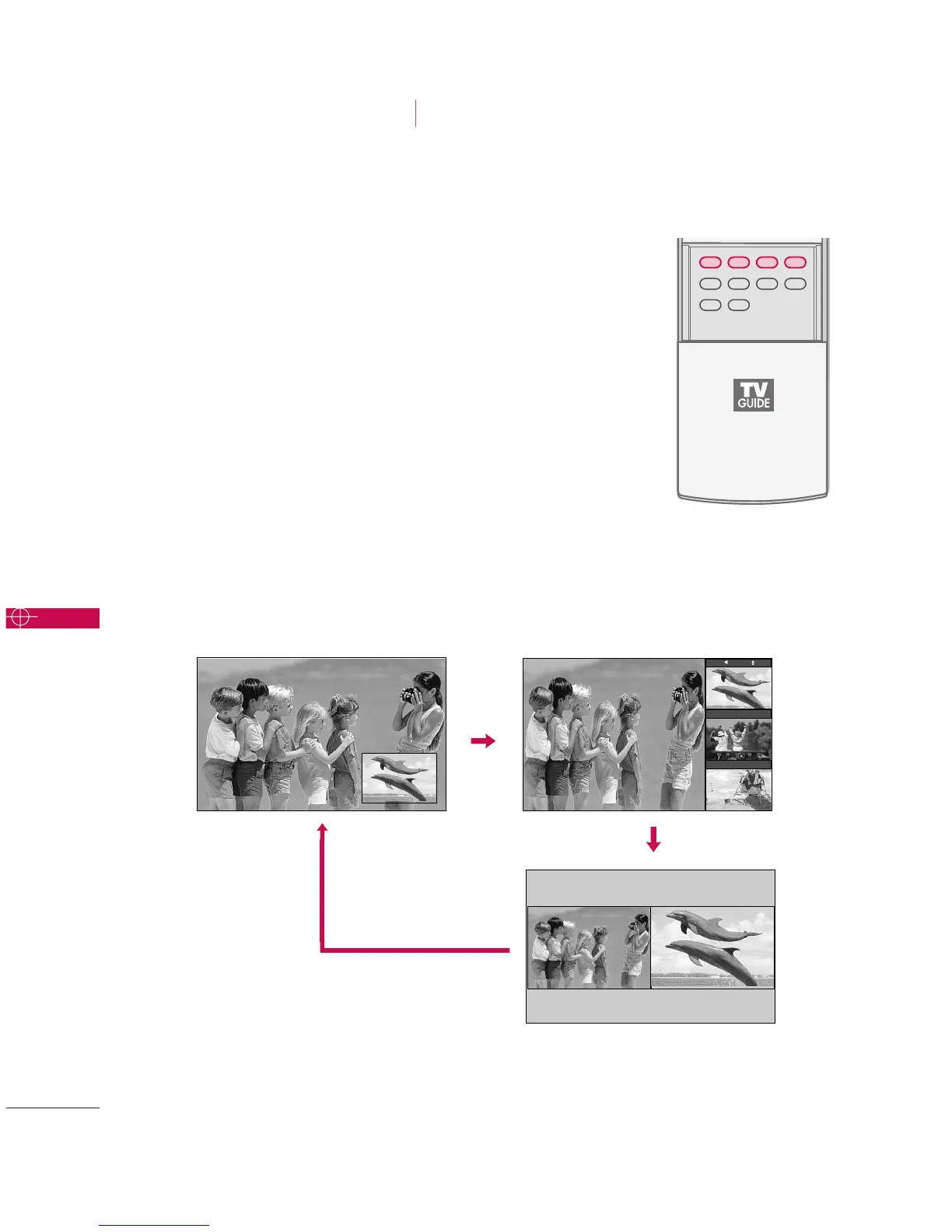
Watching PIP/POP/Twin Picture
Press the
PPIIPP
button to access the sub picture.
Each press of PIP changes the PIP options as shown below.
PIP Mode POP Mode
Twin Picture Mode
PIP lets you view 2 different inputs (sources) on your TV screen
at the same time. One source will be large, and the other
source will show a smaller inset image.
Twin Picture mode splits the screen into two images, allowing
two picture sources to be shown on the TV screen at the same
time. Each source is given half the screen.
PIP Off
TV 2-0
TV 4-0
TV 6-0
SPECIAL FUNCTIONS
PIP / POP / Twin Picture



 To Next Page