SPECIAL FUNCTIONS / PIP / POP / TWIN PICTURE
60
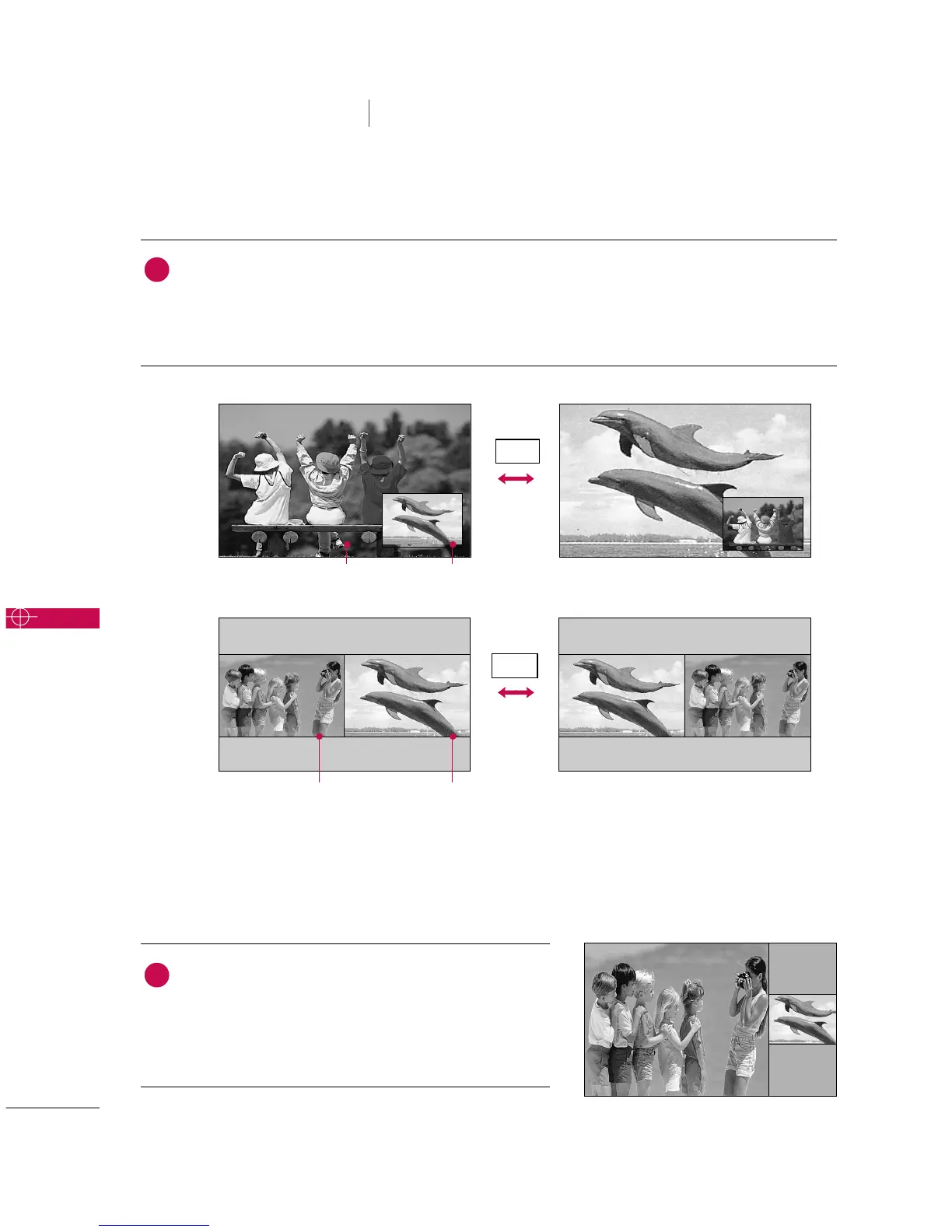
Swapping the PIP/Twin Picture
SPECIAL FUNCTIONS
PIP / POP / Twin Picture
Repeatedly, use the
SSWWAAPP
button to switch the main and sub pictures.
■
Component 1, Component 2, RGB-PC (or RGB-DTV), HDMI1/DVI, HDMI2 input sources for the main
picture can’t be used to swap the main and sub pictures.
Main Picture Sub Picture
Adjusting Main and Sub Picture Sizes for Twin Picture
Use the
DD EE FF GG
button to change main and sub picture
sizes in Twin Picture mode.
■
If screen is adjusted to the maximum size, the large screen
is filled with entire screen vertically as shown.
Main Picture Sub Picture
SWAP
SWAP
PIP
Twin
Picture
1
1



 To Next Page