EasyManua.ls Logo

LG 42PC1D - Page 77

LG 42PC1D
128 pages
Print Icon
To Next Page IconTo Next Page
To Previous Page IconTo Previous Page
Loading...
TV MENU
/
VIDEO ADJUSTMENT
76
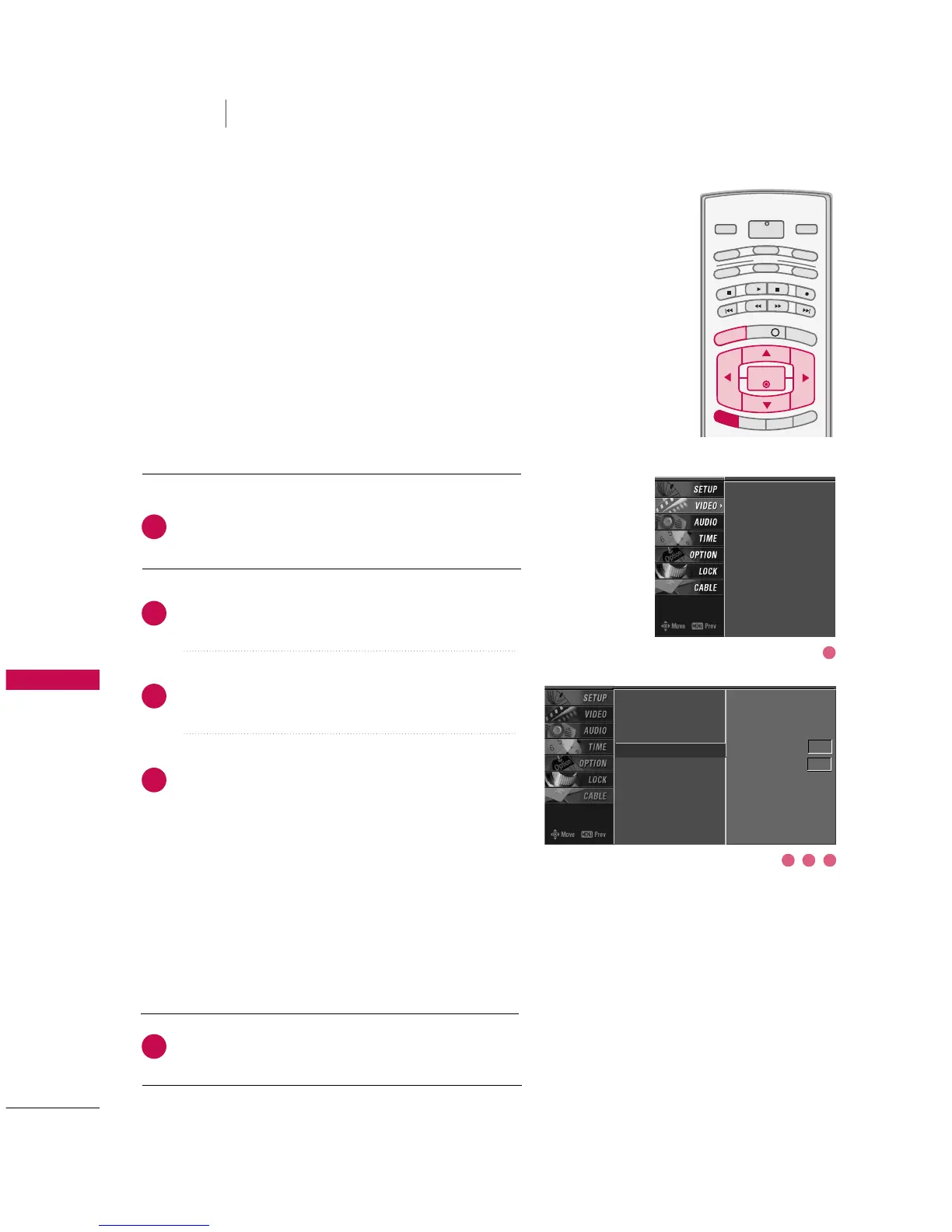
ADVANCED-BLACK LEVEL
TV MENU
VIDEO ADJUSTMENT
Press the
MMEENNUU
button and then use
DD
or
EE
button
to select the
VVIIDDEEOO
menu.
Press the
GG
button and then use
DD
or
EE
button to
select
AAddvvaanncceedd
.
Press the
GG
button and then use
DD
or
EE
button to
select
BBllaacckk lleevveell
.
Press the
GG
button and then use
DD
or
EE
button to
select
AAuuttoo
,
LLooww
, or
HHiigghh
.
AAuuttoo
Realizing the black level of the screen and set it to
High or Low automatically.
LLooww
The screen gets darker.
HHiigghh
The screen gets brighter.
Press
EEXXIITT
button to return to TV viewing or press
MMEENNUU
button to return to the previous menu.
INFO i
TV GUIDE
ENTERENTER
SAP
CC
RATIO
POWER
DAY -
DAY+
VCR
TV
DVD
AUDIO
CABLE
STB
MODE
TV INPUT
INPUT
MENUMENU
EXIT
Adjusting the contrast and the brightness of the screen
using the black level of the screen.
This feature operates only in AV1, AV2, HDMI1/DVI, or
HDMI2mode.
EZ Picture
Color Temperature
XD
Advanced
G
Video Reset
Cinema 3:2 Mode Off
Black Level Auto
EZ Picture
Color Temperature
XD
Advanced
Video Reset
2
3
4
5
1
3 42
1

Other manuals for LG 42PC1D

Related product manuals