TV MENU
/
AUDIO ADJUSTMENT
78
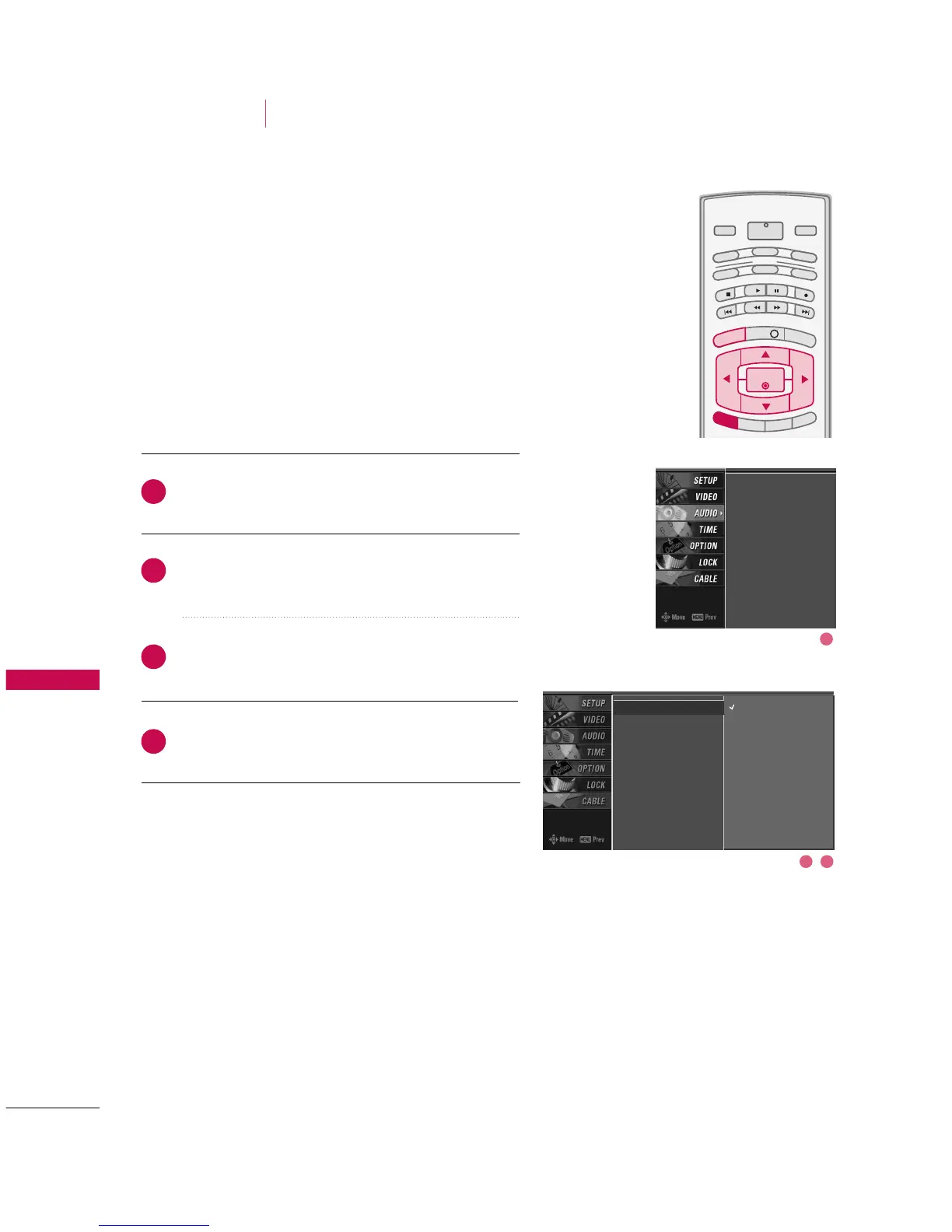
AUDIO LANGUAGE
AUDIO ADJUSTMENT
Other languages may be available if a digital signal is pro-
vided by the broadcasting station.
This feature operates only in DTV/CADTV mode.
Press the
MMEENNUU
button and then use
DD
or
EE
button
to select the
AAUUDDIIOO
menu.
Press the
GG
button and then use
DD
or
EE
button to
select
AAuuddiioo LLaanngguuaaggee
.
Press the
GG
button and then use
DD
or
EE
button to
select :
EEnngglliisshh
,
SSppaanniisshh
, or
FFrreenncchh
.
Press
EEXXIITT
button to return to TV viewing or press
MMEENNUU
button to return to the previous menu.



 To Next Page