TV MENU
/
AUDIO ADJUSTMENT
80
AUTO SOUND CONTROL
(
EZ SOUND
)
TV MENU
AUDIO ADJUSTMENT
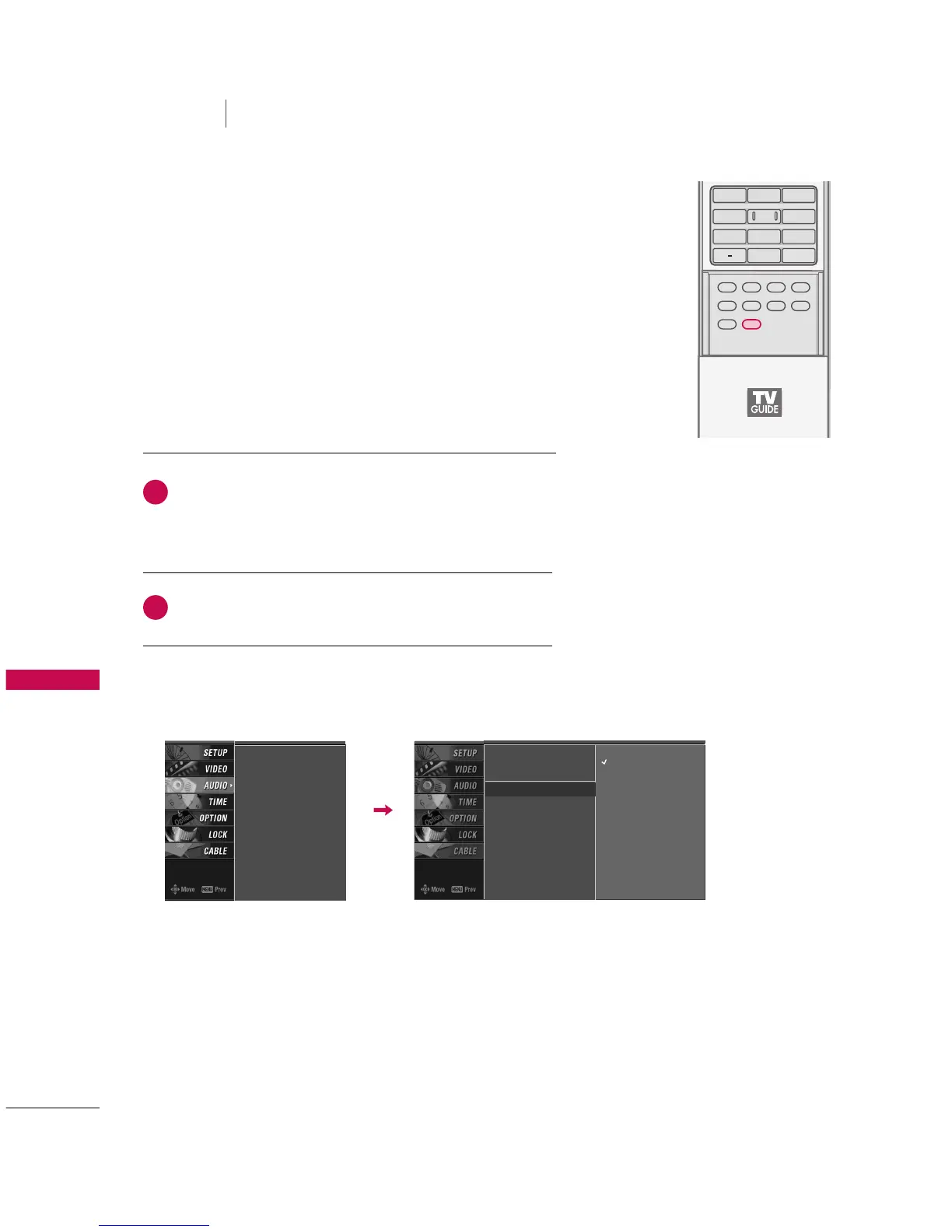
EZ Sound lets you enjoy the best sound without any special
adjustment because the TV sets the appropriate sound options
based on the program content.
Normal, Stadium, News, Music and Theater are preset for good
sound quality at the factory and are not adjustable.
Press the
EEZZ SSOOUUNNDD
button repeatedly to select the
appropriate sound setup as below :
NNoorrmmaall
,
SSttaaddiiuumm
,
NNeewwss
,
MMuussiicc
,
TThheeaatteerr
, and
UUsseerr
(
your own settings
).
Press
EEXXIITT
button to return to TV viewing.



 To Next Page