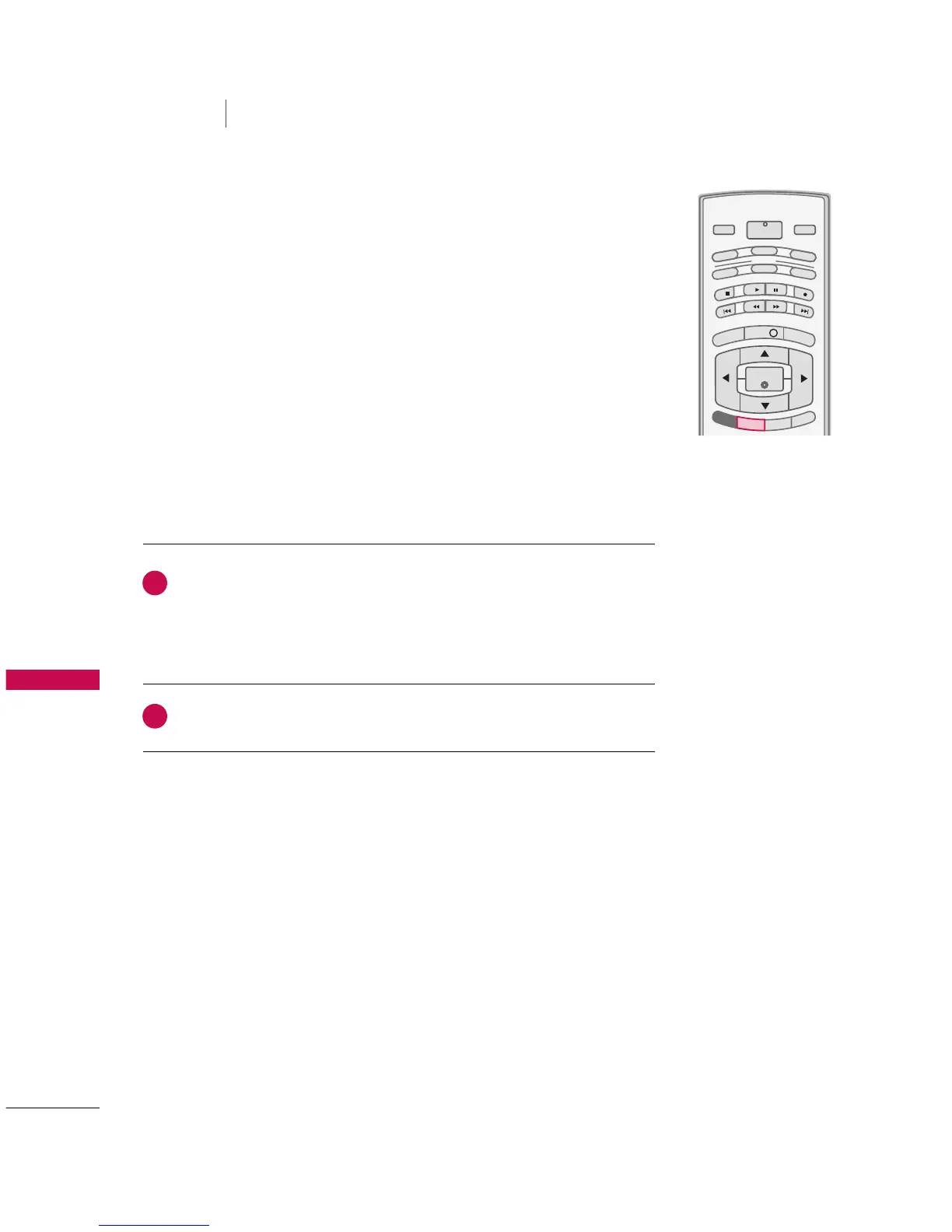
This TV can receive MTS stereo programs and any SAP
(
Secondary Audio Program
)
that accompanies the stereo pro-
gram if the station transmits an additional sound signal as well
as the original one and when you select Stereo or SAP on the
remote control.
Mono sound is automatically received if the broadcast is only in
Mono; even though Stereo or SAP has been selected.
Select Mono if you want to listen to the mono sound in remote
areas during stereo/SAP broadcasting.
Stereo or SAP can be received in Analog channel.
Use the
SSAAPP
button to select your desired MTS mode in analog signal. Each
time you press the
SSAAPP
button,
MMoonnoo
,
SStteerreeoo
, or
SSAAPP
appear in turn.
■
If other languages available on the digital signal, select them with the
SSAAPP
button.
Press
EEXXIITT
button to save and return to TV viewing.
2
1



 To Next Page