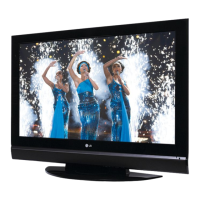
TV MENU
/
PICTURE ADJUSTMENT
55
ADAPTIVE PICTURE MODE (APM
)
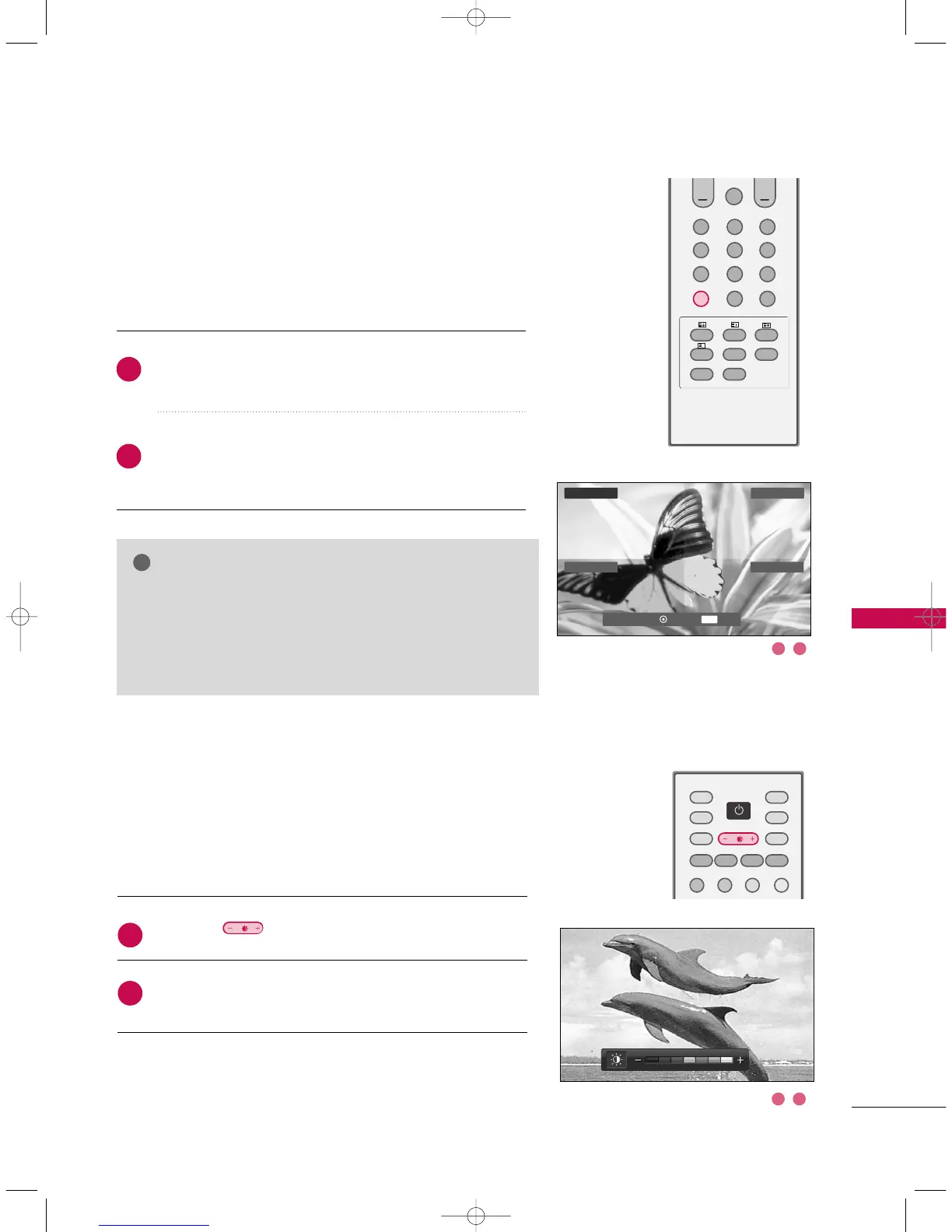
Press the
AA PPMM
button at once. The screen is divided to
4-split.
Use the
DD EE FF GG
button to navigate 4 screen.
By pressing the
OOKK
button, you can select the desired
mode.
Allows you to select your preferred picture mode after compair-
ing the four different picture (Dynamic, Standard, Mild, and
User1 (or User2)) settings.
GG
While operating the 4-split, any button except
PPOOWWEERR
,
AAPPMM
,
OOKK
,
EEXXIITT
,
DD EE FF GG
,
VVOOLLUUMMEE
DD EE
,
MMUUTTEE
button on the
remote control are not usable.
GG
APM screen will automatically disappear after approx. 40
seconds unless a button is pressed.
2
1
BRIGHTNESS ADJUSTMENT
Press the button.
Adjust the desired screen brightness.
Adjust the brightness with using this button on the remote control.
2
1
1 2
DDyy nnaammii cc
Standard
User1Mild
EXIT
Navigate Select Exit
1 2
GG
DD
EE
FF
9U0569A-2 Rev05-ING 06/8/23 3:29 PM Page 55


 To Next Page