TV MENU
/
AUDIO ADJUSTMENT
69
STEREO RECEPTION -
In Analogue Mode only
■
Mono sound selection
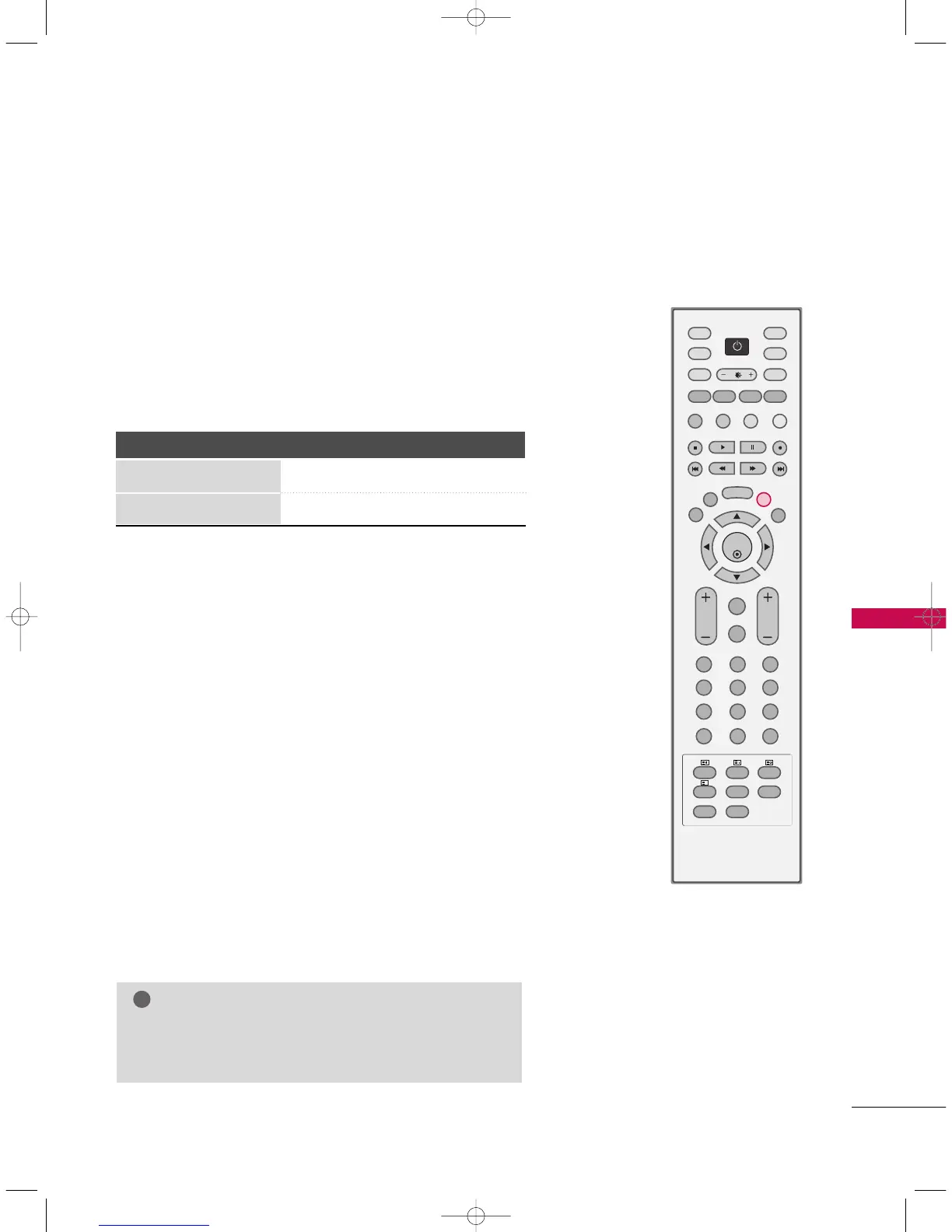
If the stereo signal is weak in stereo reception, you can switch to
mono by pressing the
II//IIII
button twice. In mono reception, the
depth of sound is improved. To switch back to stereo, press the
II//IIII
button twice again.
Broadcast On Screen Display
Mono MONO
Stereo MONO / STEREO
SOUND OUTPUT SELECTION
In AV 1-2, Component 1-2, RGB-PC/DTV or HDMI/DVI mode,
you can select output sound for the left and right loudspeakers.
Repeatedly press the
II//IIII
button to select the sound output.
L+R: Audio signal from audio L input is sent to the left loud
speaker and audio signal from audio R input is sent to the right
loud speaker.
L+L: Audio signal from audio L input is sent to left and right loud
speakers.
R+R: Audio signal from audio R input is sent to left and right loud
speakers.
NOTE
GG
In digital mode, repeatedly press the
II//IIII
button to
change the audio mode (MPEG or DOLBY DIGITAL).



 To Next Page