TV MENU
/
LOCK ADJUSTMENT
83
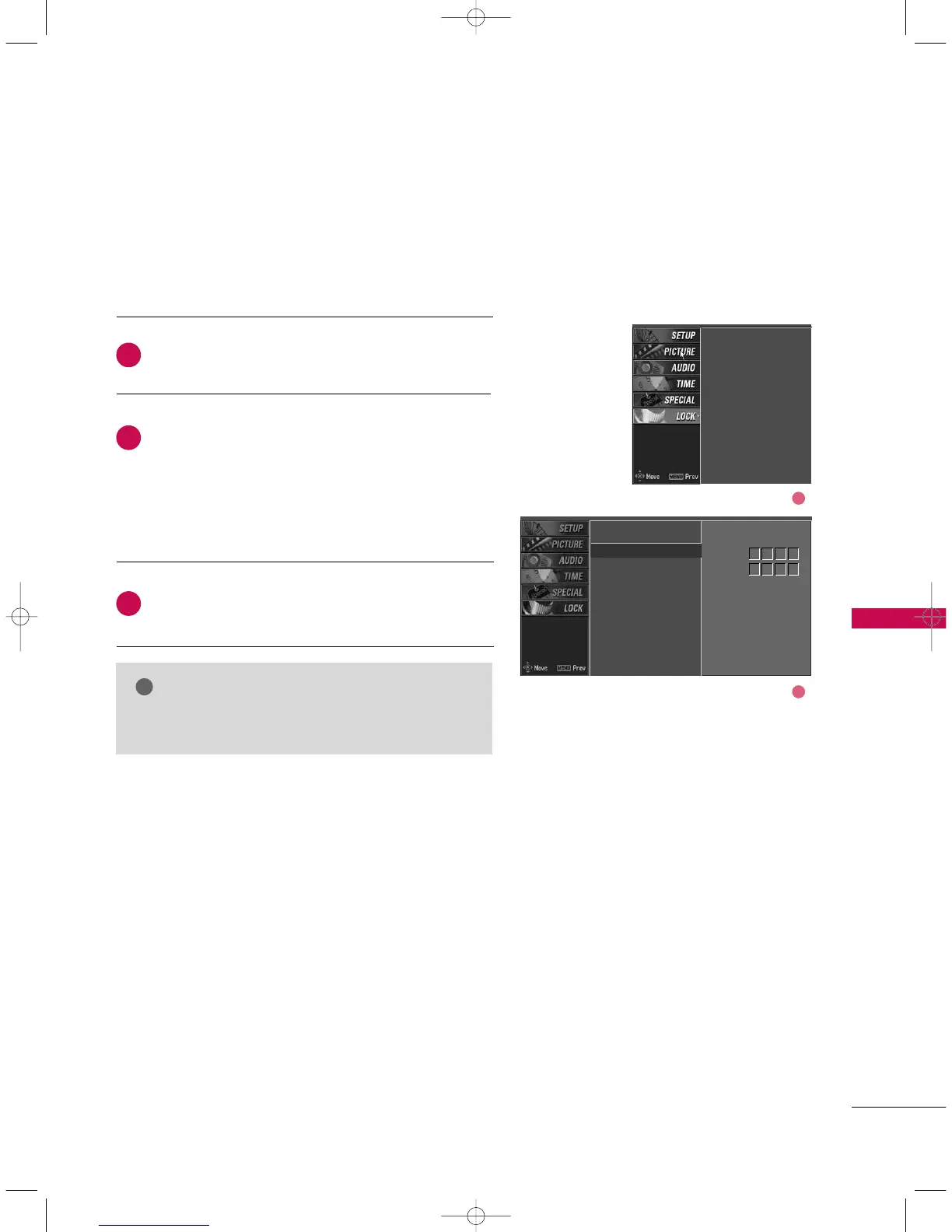
SET PASSWORD
After inputting the password, use the
DD
or
EE
button
to choose
SSeett ppaasssswwoorrdd
.
Press the
GG
button and then choose any 4 digits for
your new password next to New.
As soon as the 4 digits are entered, re-enter the same
4 digits on the
CCoonnffiirrmm
.
The new password is memorized.
Press
EEXXIITT
button to return to normal TV viewing.
Change the password by inputting a new password twice.
Lock system
Set password
Block programme
Parental guidance
Aux. block
Lock system
Set password
G
Block programme
Parental guidance
Aux. block
New
Confirm
2
3
1
****
****
2
1
NOTE
GG
If you ever forget your password, key in ‘7’, ‘7’, ‘7’, ‘7’
on the remote control.
9U0569A-2 Rev05-ING 06/8/23 3:29 PM Page 83



 To Next Page