EasyManua.ls Logo

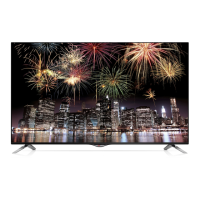
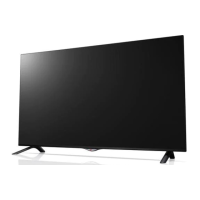
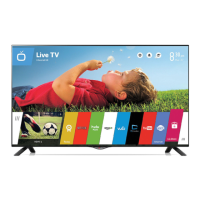
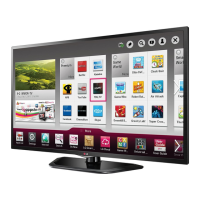
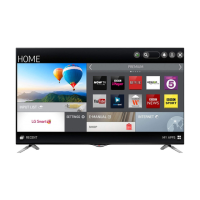
LG 42UB820V - User Manual

LG 42UB820V
40 pages
Print Icon
To Next Page IconTo Next Page
Loading...
OWNER’S MANUAL
LED TV
*
Please read this manual carefully before operating your set and retain
it for future reference.
* LG LED TVs are LCD TVs with LED backlighting.
UB80**
UB82**
UB83**
www.lg.com
*MFL68484511*
P/NO : MFL68484511(1407-REV02)
Printed in Korea

Other manuals for LG 42UB820V

Questions and Answers

  • K
    kellybryantAug 10, 2025
    Why does my LG 42UB820V LED TV turn off suddenly?
    • M
      Michele DavisAug 10, 2025
      If your LG LED TV suddenly turns off, it might be due to a few reasons. First, the power supply could be interrupted, so check the power control settings. Also, verify if the Automatic Standby, Sleep Timer, or Off Time is activated in the TIME settings. Lastly, if the TV doesn't receive a signal while it's on, it will automatically turn off after 15 minutes of inactivity.
  • T
    Tracy ClarkAug 21, 2025
    How to fix LG LED TV remote not working?
    • M
      Michael RodriguezAug 21, 2025
      If your LG LED TV remote isn't working, there are a few things you can try. First, check the remote control sensor on the TV and try again. Make sure there isn't anything blocking the path between the remote and the TV. Lastly, ensure the batteries in the remote are working and installed correctly.
  • A
    Alexis DeleonAug 29, 2025
    What to do if my LG 42UB820V says no signal when connected to PC?
    • M
      matthewgardnerAug 29, 2025
      If your LG LED TV shows ‘No signal’ or ‘Invalid Format’ when connected to a PC via HDMI/DVI, try these steps. First, turn the TV off and then on again using the remote control. If that doesn't work, reconnect the HDMI cable. As a final step, restart your PC while the TV is turned on.

Summary

Safety Instructions

Viewing 3 D Imaging (Only 3 D models)

Guidance for safe viewing of 3D content, including breaks and user precautions.

Installation Procedure

Assembling and Preparing

Using the Joystick button

Explains operation of TV functions using the physical joystick button.

Lifting and moving the TV

Safety advice for safely lifting and transporting the television to prevent damage.

Setting up the TV

Guides users through the initial setup process for the television.

Attaching the stand

Step-by-step instructions for attaching the TV stand.

Securing the TV to a wall

Instructions for safely mounting the TV onto a wall using brackets.

Mounting on a table

Steps for placing and securing the TV on a table, including ventilation.

Mounting on a wall

Guidance on attaching an optional wall mount bracket to the TV and wall.

Making Connections

Remote Control

Magic Remote Functions

Precautions to Take when Using the Magic Remote

Safety and operational precautions for using the Magic Remote effectively.

Maintenance

Troubleshooting

LG 42UB820V Specifications

General IconGeneral
Screen Size42 inches
Display TypeLED
HDRNo
Smart TVYes
HDMI Ports3
USB Ports3
Audio Output20W
3DNo
Refresh Rate50Hz
Operating SystemwebOS
Wi-FiYes
BluetoothNo
Resolution3840 x 2160

Related product manuals