ENGLISH_index
28
Leveler Tool
• Only applies to certain models.
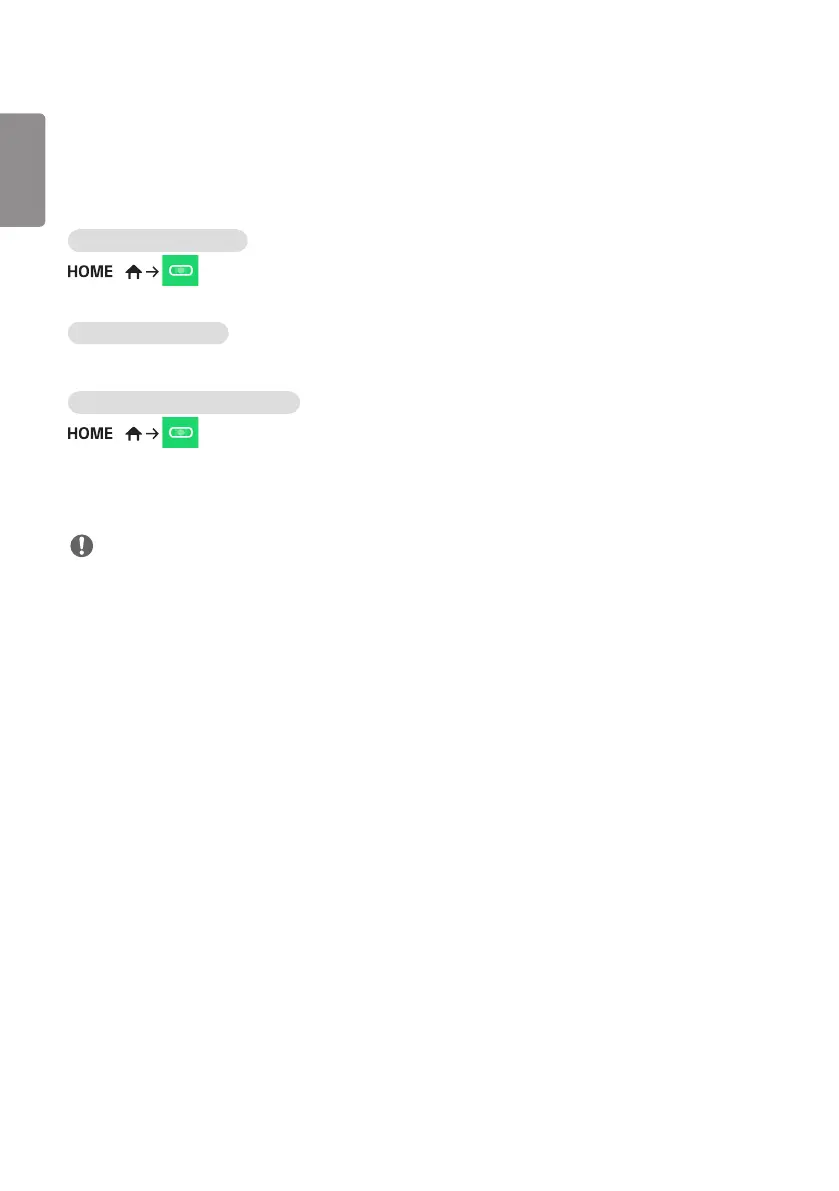
You can check whether the product is horizontally and vertically level when installing the product outdoors in an
enclosure.
Accessing the Leveler Tool
/
You can check whether the product is horizontally and vertically level.
Exiting the Leveler Tool
Exit the Leveler Tool by pressing the EXIT key on your remote control.
Checking the Angle of the Product
/
• You can check the tilt of the product using the bubble in the leveler and the angle indication.
• The left/right tilt is indicated by the leveler and angle indication on the left side of the screen.
• The front/back tilt is indicated by the leveler and angle indication on the right side of the screen.
NOTE
• If the product is tilted more than five degrees in any direction, an arrow will flash in the direction the product needs
to be adjusted to.


 To Next Page
 Loading...