EasyManua.ls Logo

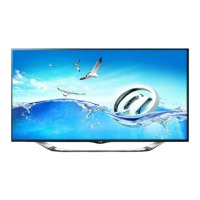
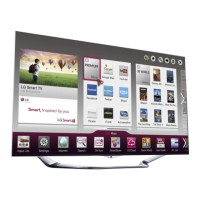
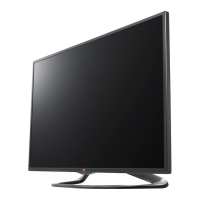
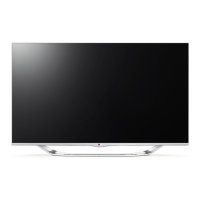
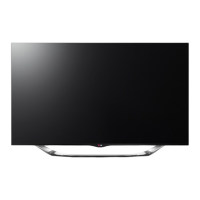
LG 47LA860T - User Manual

LG 47LA860T
56 pages
Print Icon
To Next Page IconTo Next Page
Loading...
Please read this manual carefully before operating your set
and retain it for future reference.
OWNER’S MANUAL
LED TV*
* LG LED TV applies LCD screen with LED backlights.
P/NO : MFL67653104 (1309-REV02)
www.lg.com
47LA860T
60LA860T
70LA860T
47LA8600
60LA8600
55LA960T

Questions and Answers

  • B
    Blake KnightAug 12, 2025
    What to do if my LG 47LA860T LED TV has no image and sound?
    • M
      Michael HillAug 12, 2025
      If your LG LED TV shows no image and produces no sound, first ensure the TV is turned on. Then, verify that the power cord is securely connected to a wall outlet. Finally, test the wall outlet by plugging in other devices to check for any issues with the power supply.
  • C
    Carol WhiteAug 22, 2025
    Why does my LG LED TV turn off suddenly?
    • D
      daniel54Aug 22, 2025
      If your LG LED TV turns off suddenly, examine the power control settings to ensure the power supply isn't being interrupted. Also, check the Time settings to see if the Auto sleep feature is enabled. If the TV is on but receives no signal, it will automatically turn off after 15 minutes of inactivity.
  • G
    Gary MartinAug 31, 2025
    How to fix LG LED TV remote control not working?
    • J
      Jacqueline WatkinsAug 31, 2025
      If you cannot control your LG LED TV with the remote, begin by checking the remote control sensor on the TV and try again. Ensure there are no obstructions between the remote and the TV. Finally, verify that the batteries in the remote are working and correctly installed.

LG 47LA860T Specifications

General IconGeneral
Screen Size47 inches
Resolution1920 x 1080 pixels
Display TypeLED
Smart TVYes
3D SupportYes
HDMI Ports4
USB Ports3
Audio Output20W
Wi-FiYes
Operating SystemLG Smart TV

Related product manuals