EasyManua.ls Logo

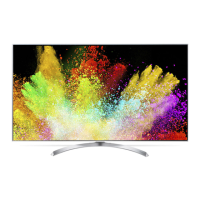
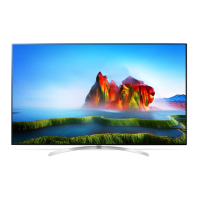
LG 55SJ9500 - User Manual

LG 55SJ9500
63 pages
Print Icon
To Next Page IconTo Next Page
Loading...
P/No: MFL69648442(1701-REV00)
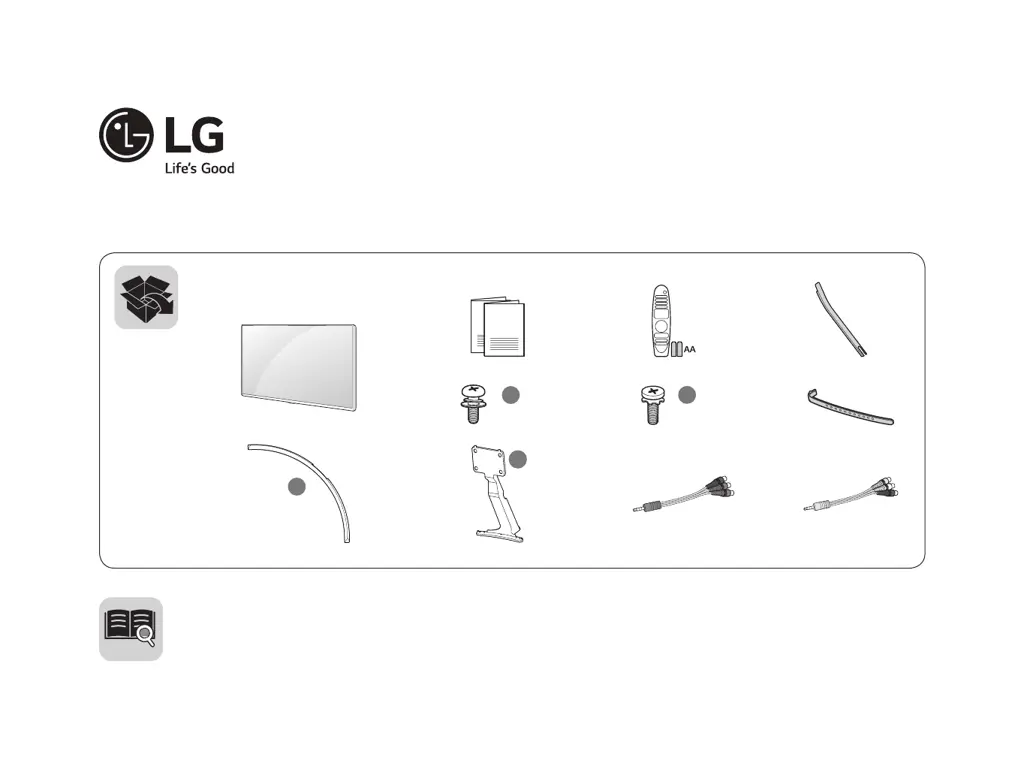
c
X 5
(M5 x L12)
d
X 4
(M4 x L12)
a
b
www.lg.com
LED TV
55SJ9500
65SJ9500
65SJ950T
ENGLISH
Easy Setup Guide
Please read this manual carefully before operating your set and retain it for future reference.
ESPAÑOL
Guía Rápida de Configuración
Lea atentamente este manual antes de poner en marcha el equipo y consérvelo para futuras consultas.

Questions and Answers

  • T
    Thomas BowersAug 10, 2025
    What to do if my LG LED TV has sound but no picture?
    • K
      Kimberly WalkerAug 10, 2025
      If your LG LED TV has normal audio but no video, first, check that all cables between the boards are properly inserted. Then, verify if the backlight is on. Further troubleshooting includes checking the power board voltage (20V, 13.2V, etc.) and the 20V output of the power board. If issues persist, consider repairing the power board or its parts, replacing the inverter, or replacing the T-con/Main Board or module.
  • R
    Richard JohnsonAug 25, 2025
    How to fix LG 55SJ9500 with no video but normal audio?
    • A
      Alexandria HicksAug 26, 2025
      To troubleshoot an LG LED TV with no video but normal audio, start by ensuring all cables between the boards are correctly inserted. Next, check if the backlight is functioning. You should also check the power board voltage (20V, 13.2V, etc.). If these steps don't resolve the issue, you may need to repair the power board or its parts, replace the inverter, or replace the T-con/Main Board or module.

LG 55SJ9500 Specifications

General IconGeneral
Screen Size55 inches
Display TypeLED
Resolution3840 x 2160 (4K UHD)
Refresh Rate120 Hz
Smart TVYes
Operating SystemwebOS
HDMI Ports4
USB Ports3
BluetoothYes
Wi-FiYes
HDR SupportYes
ProcessorQuad-Core Processor
Audio Output40W

Related product manuals