13
EN
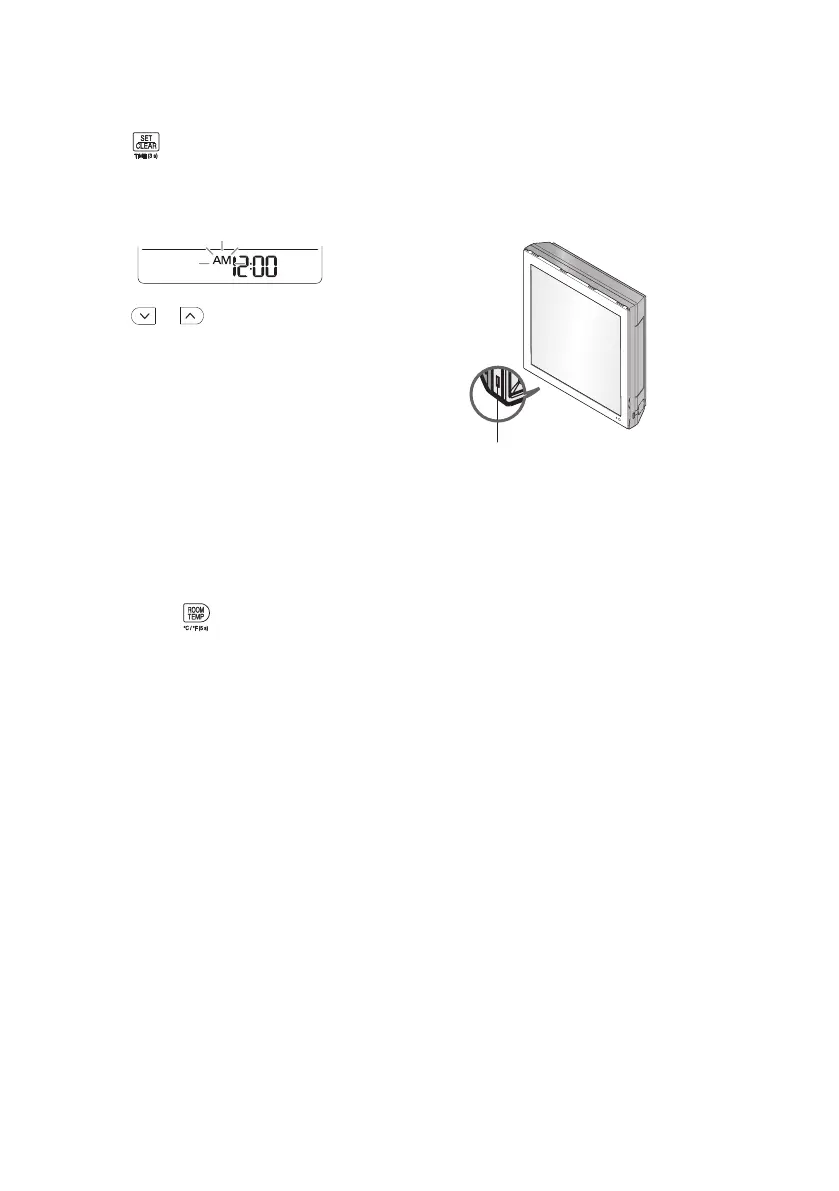
Setting the Current Time
1
Press
button and hold it about 3
seconds.
• The icon below blinks at the bottom of the
display screen.
2
Press or button to select the
minutes.
3
Press SET/CLEAR button to finish.
NOTE
• The On/Off Timer is available after setting the
current time.
Using the °C/°F Conversion
Function (Optional)
This function changes unit between °C and °F
• Press and hold
button about 5 seconds.
Operating the Air Conditioner
without the Remote Control
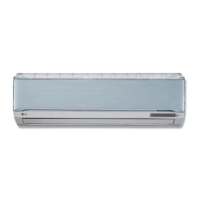
You can use the ON/OFF button of the indoor
unit to operate the air conditioner when the
remote control is unavailable.
ON/OFF button
NOTE
• The stepping motor may be broken, if the
horizontal vane opens rapidly.
• The fan speed is set to high.
• The feature may be changed according to the
type of model.
• The temperature cannot be altered when
using this emergency ON/OFF button.
• For cooling & heating models, the temperature
is set from 22 °C to 24 °C


 To Next Page