15
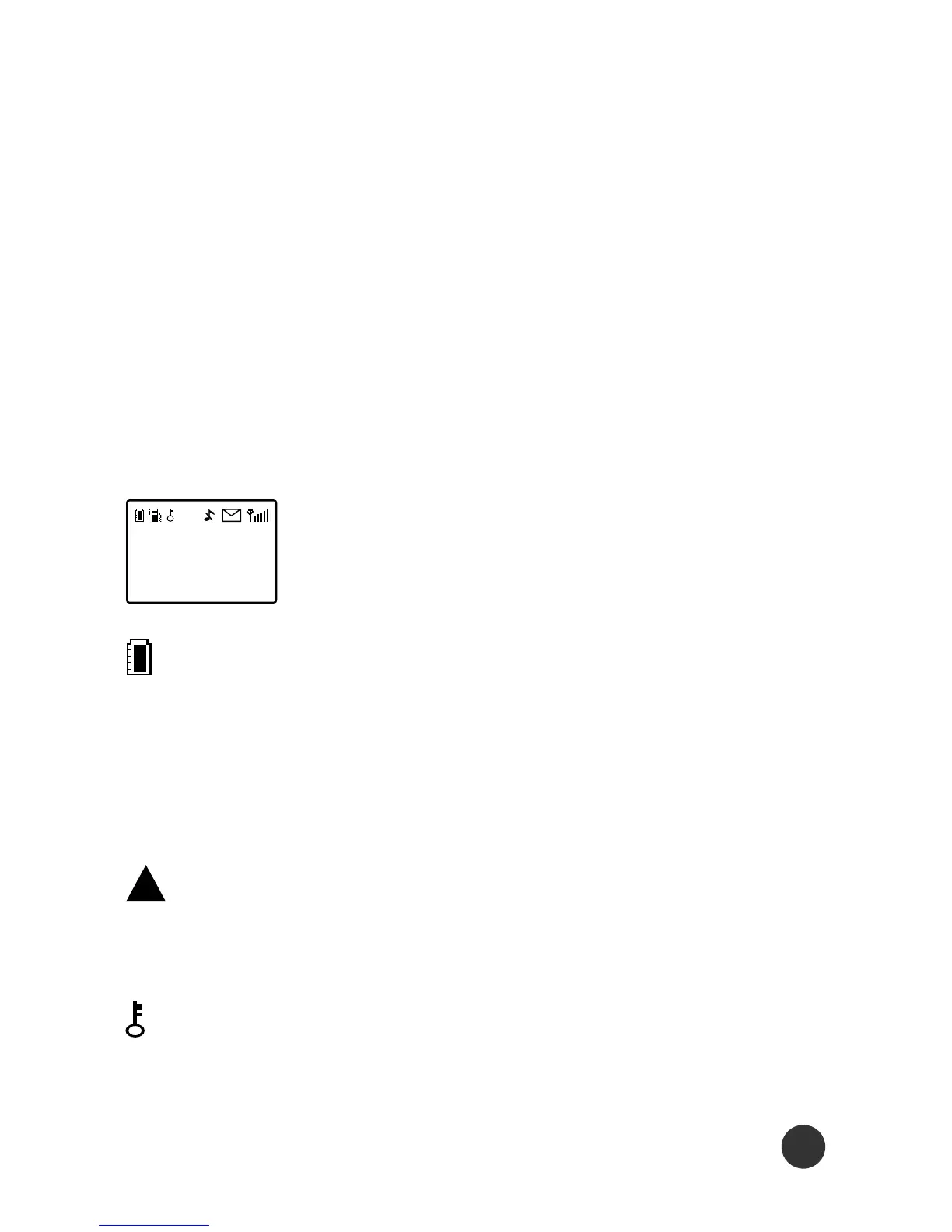
The following icons will be shown on the dis-
play as different functions are activated.
This shows the charge level of the battery.
The more bars you see, the more power left in
your cellular phone. The bar scrolls up and
down while charging.
This indicates that the phone is using a
(roaming) network.
This indicates that the phone keypad is locked.
Please follow the instructions appearing on
3.All further keys will remain in lower case until you press and
hold a letter key again, which will return you to the upper
case mode.
4.If there are any differences between the character/sym-
bol sets listed in the table and on the phone, please refer to
those listed on the phone display.
Display Indicators



 To Next Page