EasyManua.ls Logo

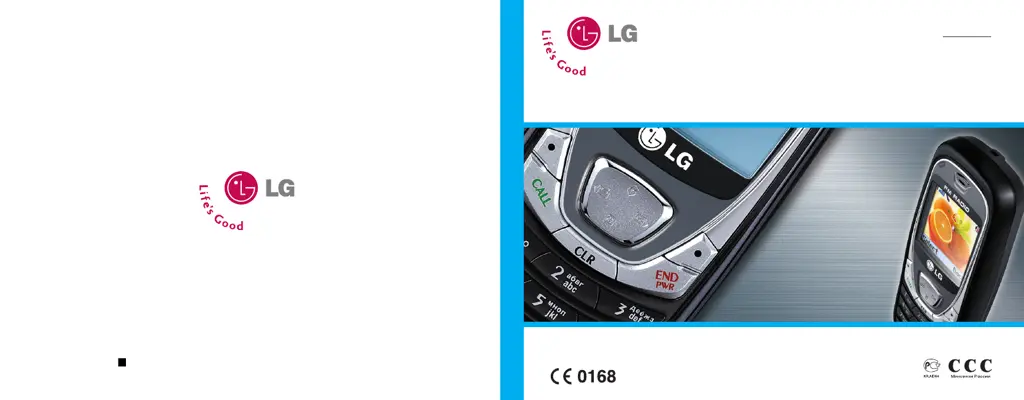
LG B2070 - User Manual

LG B2070
153 pages
Go to English
Print Icon
To Next Page IconTo Next Page
Loading...
Русский
English
B2070
ИНСТРУКЦИЯ ПОЛЬЗОВАТЕЛЯ
Прочтите, пожалуйста, данную инструкцию внимательно перед использованием
Вашего аппарата. Сохраните ее для дальнейшего использования.
Part No. MMBB0187301(1.0) Printed in Korea
B2070 ИНСТРУКЦИЯ ПОЛЬЗОВАТЕЛЯ
H

Table of Contents

Questions and Answers

  • J
    Jessica BullockSep 10, 2025
    What to do if my LG B2070 Cell Phone shows a charging error?
    • A
      Anthony WilliamsSep 12, 2025
      If your LG Cell Phone isn't charging, try these steps: Charge the battery. Ensure the ambient temperature is suitable, wait, and try charging again. Verify the power supply and phone connection. Inspect the battery contacts, clean if needed. Try a different socket or check the voltage. Replace the charger if it doesn't warm up, using only original LG accessories. If problems persist, replace the battery.
  • P
    plunaSep 13, 2025
    What to do if calls are not available on my LG Cell Phone?
    • M
      Mandy McclureSep 13, 2025
      If your LG Cell Phone displays 'Calls not available', it could be due to a dialing error, a newly inserted SIM card that isn't authorized, or reaching a charge limit. To resolve this, check for new restrictions, contact your service provider, or reset the limit with PIN 2.
  • C
    Cynthia RobertsSep 15, 2025
    Why does my LG Cell Phone say number not permitted?
    • J
      Jonathon ToddSep 15, 2025
      If your LG Cell Phone displays 'Number not permitted', the Fixed dial number function is likely enabled. Check your settings to disable it.

LG B2070 Specifications

General IconGeneral
ModelLG B2070
NetworkGSM 900 / 1800
SIMMini-SIM
Phonebook500 entries
Call records20 dialed, 20 received, 20 missed calls
Alert typesVibration; Downloadable polyphonic ringtones
LoudspeakerYes
3.5mm jackNo
RadioNo
GamesYes
JavaNo
BatteryRemovable Li-Ion 800 mAh battery
Talk timeUp to 3 h
Display Size1.5 inches
MessagingSMS
Resolution128 x 128 pixels

Related product manuals