EasyManua.ls Logo

LG DP1B - User Manual

LG DP1B
84 pages
Print Icon
To Next Page IconTo Next Page
Loading...
UL1E28HZF
- This user manual contains instructions on how to use the product properly.
- Please read this manual carefully. Be sure to follow the instructions and notices.
- GUI and package contents are subject to change without prior notice to improve the product quality.
- To view HD quality resolution, you must connect the HDMI cable.
- Firmware can be updated frequently to improve the product quality.
- To download the latest firmware, please visit www.lg.com or www.lgservice.com
* Manufactured under license from Dolby Laboratories.
* "Dolby" and the double-D symbol are trademarks of Dolby Laboratories
DP1B
DP1W
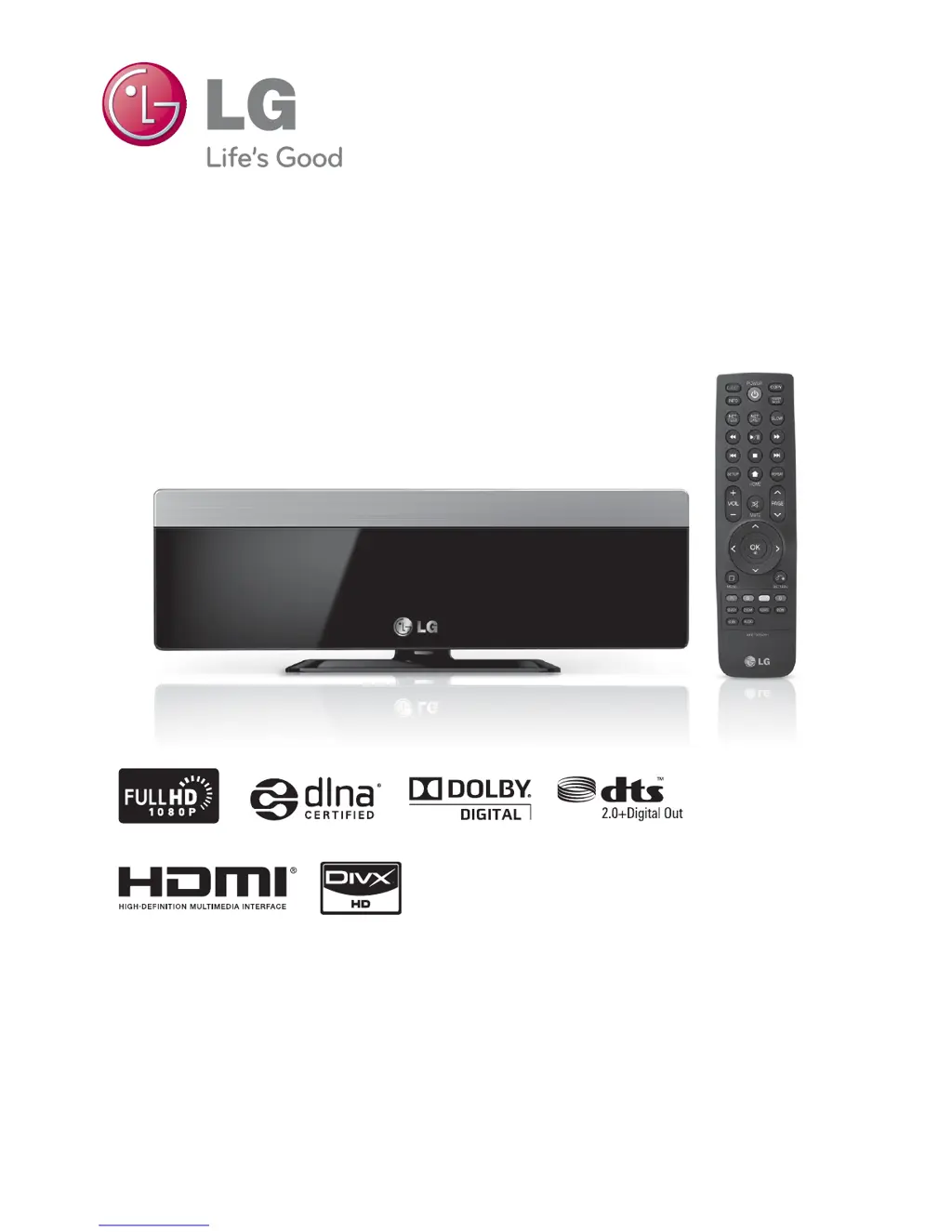
Portable Theater
Quick Guide

Table of Contents

Questions and Answers

  • S
    Sergio PayneAug 7, 2025
    Why is there no picture on my LG DP1B?
    • A
      Andrew HowardAug 7, 2025
      If you're not seeing a picture from your LG Media Player, make sure the correct video input mode is selected on your TV. Also, check that the video connections are secure. Verify that the HDMI Color Setting in the Setup menu matches your video connection type. Your TV might not support the current resolution; try changing it to one your TV accepts. Finally, the player's HDMI OUT jack might be connected to a DVI device that doesn't support copyright protection.
  • A
    Anthony MurrayAug 11, 2025
    How to fix no sound on LG Media Player?
    • F
      fvanceAug 11, 2025
      If there's no sound or the sound is distorted on your LG Media Player, first ensure the audio connections are securely connected. Check that the input source setting on your amplifier is correct, and the connection to the amplifier is properly established. Also, verify that the player isn't in scan, slow motion, or pause mode. Make sure the sound volume isn't too low. Confirm that the connected amplifier and any device connected to player’s HDMI OUT jack are compatible with the audio format output from the player. Note that if the player’s HDMI OUT jack is connected to a DVI device, the DVI jack does not accept audio signal.
  • M
    Maria HodgesAug 15, 2025
    Why can't I see shared files on my LG DP1B from my PC?
    • Z
      Zachary JordanAug 16, 2025
      If you can't see shared folders or files from your PC or a media server on the LG Media Player's Home Link menu, the firewall or anti-virus software on your media server might be running; try turning it off. Another possibility is that the player isn't connected to the same local area network as your PC or media server.
  • M
    megan91Aug 20, 2025
    What to do if LG Media Player keeps buffering?
    • C
      Crystal HoffmanAug 20, 2025
      If streaming video services on your LG Media Player frequently stop or buffer, your broadband service speed might not be fast enough. It's recommended to contact your Internet Service Provider (ISP) and consider increasing your broadband speed.
  • B
    Brian HolmesAug 25, 2025
    Why does my LG Media Player picture have noise?
    • Z
      zsilvaAug 25, 2025
      If picture noise appears when using your LG Media Player, it could be because you're playing a disc recorded in a color system different from your TV. Also, ensure you set the resolution to one that your TV accepts.
  • B
    Bryce ClineAug 28, 2025
    How to resolve 'Bitstream error' on LG DP1B Media Player?
    • M
      Marc LamAug 28, 2025
      If you see a 'Bitstream Error' message while playing a movie on your LG Media Player, press the FF (fast forward) button to skip the error section of the abnormal file before the message appears again.
  • J
    javier98Sep 2, 2025
    Why isn't my access point showing up on my LG Media Player?
    • T
      thompsonnicoleSep 2, 2025
      If your access point isn't displayed on the “Access point name” list on your LG Media Player, the access point or wireless LAN router might not be broadcasting its SSID. Use your computer to set your access point to broadcast its SSID.

LG DP1B Specifications

General IconGeneral
Audio Formats SupportedMP3, WMA
Progressive ScanYes
Video D/A Converter10-bit / 27MHz
Remote ControlYes
ModelDP1B
Media TypeDVD
Video Formats SupportedDivX
ConnectivityComposite video output
Power SupplyAC adapter
Surround SoundDolby Digital

Related product manuals