ENGLISH
Installing and Using the Product
Please read this manual carefully before operating your set and retain it for future reference.
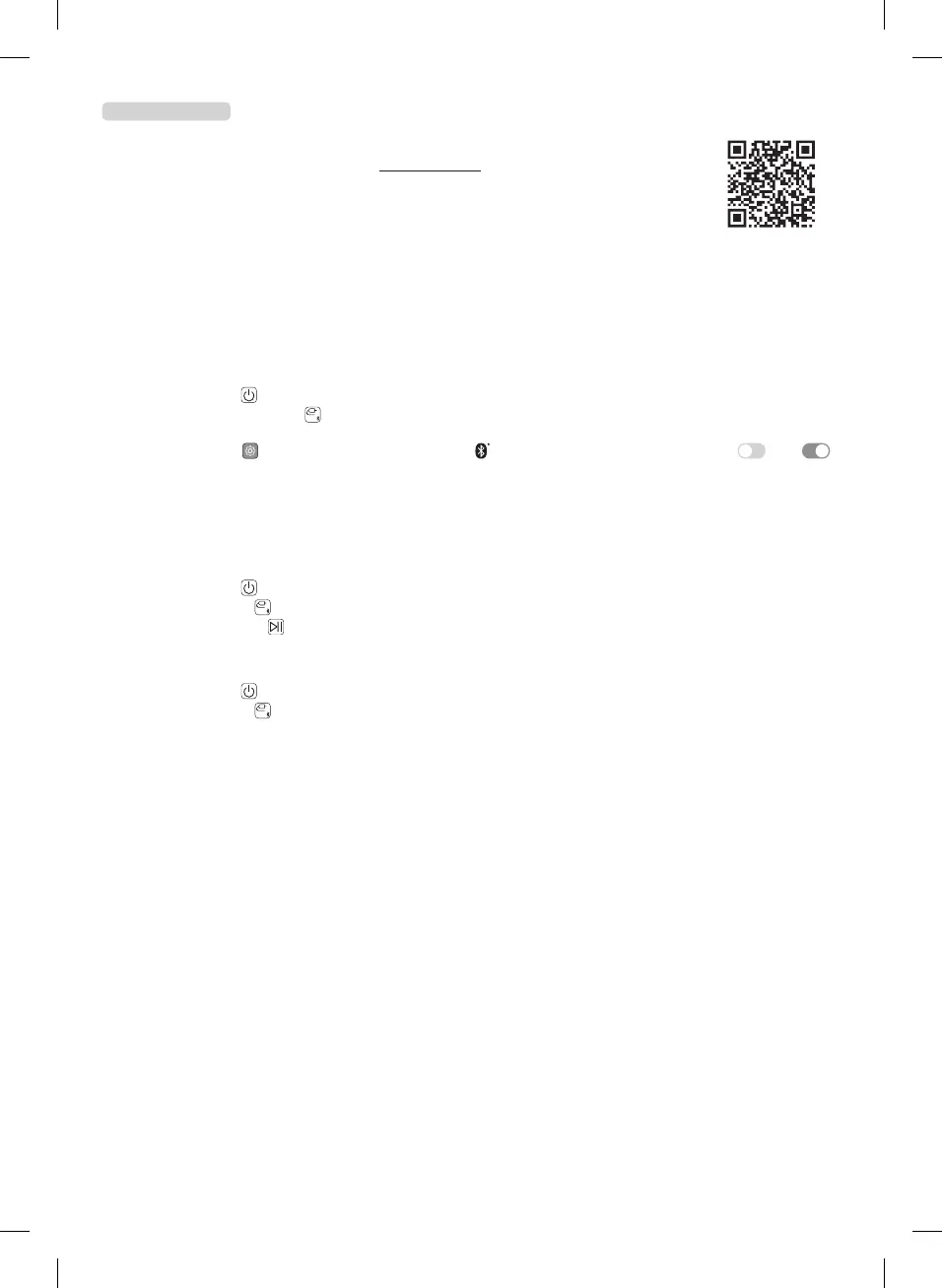
To view the instructions of advanced features, visit http://www.lg.com or scan QR code and then download
Owner’s Manual. Some of the content in this manual may differ from your product.
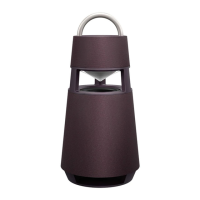
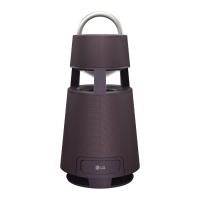
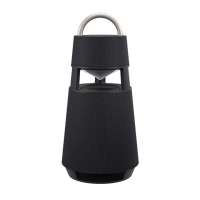
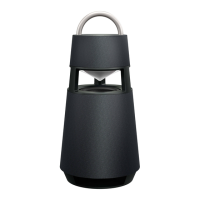
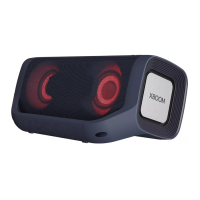
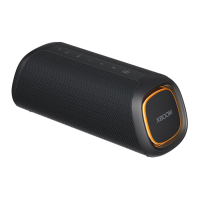
A Handle
B Controls
C Speaker
D Mood lighting
E Woofer
aConnectthepowercordtotheproductandchargeitbeforeuse.Youcanndthepowersocketatthebottomofthe
product.
bConnectingtheSpeakertoaSmartphoneUsingBluetooth
A Press the Power
button to turn on the product.
B Press and hold the Function
button on the product until you hear a notication sound. Bluetooth LED blinks for 60
seconds.
C Tap the Settings
button on your smartphone and select Bluetooth. Turn on the Bluetooth function. ( Off >
On)
D From the list of smartphone devices, nd and tap on “LG-DRP4(XX).”
E Once the smartphone is connected to the product via Bluetooth, the Bluetooth LED will turn on. Play a desired track in the
music app on your smartphone.
cPlayingMusicfromtheUSB
A Open the back cover of the product and plug the USB storage device into the USB terminal.
B Press the Power
button to turn on the product.
C Press the Function
button on the product repeatedly to select the USB function. The USB LED will turn on.
D Press the Play/Pause
button to enjoy the music.
dConnectingtoanExternalDevice
A Open the back cover of the product and connect the external device to the AUX. IN terminal via a 3.5 mm stereo cable.
B Press the Power
button to turn on the product.
C Press the Function
button on the product repeatedly to select AUX. The AUX LED will turn on. If you play music on the
connected external device, you can start listening on this product.
eConnectingtotheLGXBOOMApp
A Find the LGXBOOM app on the Google Play or App Store and install it on your smartphone.
B Run the LGXBOOM app and use its functions.
fPowerSaving
If there is no playback or button input for 15 minutes, the product turns off automatically. On the LGXBOOMapp, you can enable or
disable [Auto Power Management].
y Design and specications are subject to change without notice.
RP4.DDEULLK_SIMPLE_MFL71841398.indd 3 2021-10-28 7:26:00


 To Next Page