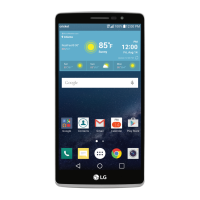
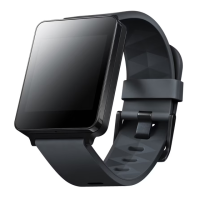
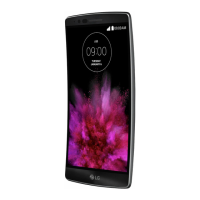
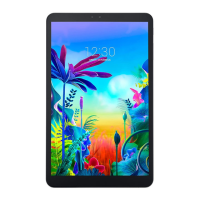
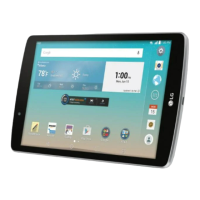
12 LG-W100 LG-W10
• Do not drop, strike, or shake your product.
• Do not damage the power cord by bending, twisting, pulling,
heating, or placing heavy items on it.
• This product is equipped with a USB cable for connecting to
a desktop or notebook computer or to the charger. Be sure
your computer is properly grounded before connecting your
product to the computer. The power supply cord of a desktop or
notebook computer has an equipment-grounding conductor and
a grounding plug. The plug must be plugged into an appropriate
outlet that is properly installed and grounded in accordance with
all local codes and ordinances.
• Do not attempt to repair or modify or remanufacture the
product . It is equipped with an internal rechargeable battery,
which should be replaced only by LG or an authorized LG repair
center.
• Do n
o
shred
• Do no
• Do no
• Do no
• Clean
as alc
produ
• Do no
• Dispo
wast
• Like m
norm
the a
or mi


 To Next Page