Need help?
Do you have a question about the LG GC480W and is the answer not in the manual?
Connects your aerial to the Video's AERIAL socket for reception.
Connects TV's AV input to Video's AV output for better quality.
Guides on tuning video channels for RF or AV connections.
Steps to use the Automatic Channel Memory System for tuning.
How to rearrange stored TV channels for better viewing.
Procedure to remove unwanted TV channels from memory.
Steps for manually tuning TV channels and fine-tuning.
How to assign custom names to tuned TV channels.
Basic steps to play a video tape and control playback.
How the Video automatically adjusts tracking for picture quality.
Using picture search, slow motion, and frame advance.
How to eject a video cassette from the unit.
How to record from external devices via AV input.
Method for immediate recording for a set duration or until tape end.
Steps to stop and complete a recording session.
Steps to schedule recordings in advance up to a month.
How to prevent accidental erasure and copy tapes.
Skips commercials or short segments automatically.
Adjusts picture quality based on tape condition.
How to select PAL or NTSC colour systems manually.
Setting the Video's clock and customizing on-screen display.
Resetting tape counter and enabling child lock feature.
Adjusting audio and special playback modes like ez Repeat.
Checking Video status and changing display language.
Solutions for lack of audio or video output.
Tips for resolving playback issues and picture quality.
Addresses recording failures and remote control malfunctions.
Troubleshooting for NICAM and Hi-Fi stereo sound problems.
How to control non-LG TVs using manufacturer codes.
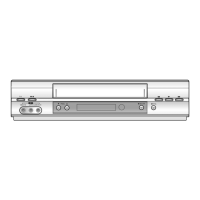
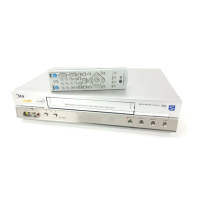
Detailed technical data about the Video product.
 General
| Number of heads | 4 |
|---|---|
| Remote control | Yes |
| Tuner | Yes |
| Video Head | 4 Head |
| Playback Speed | SP, LP |


 To Next Page