14 Preparation
Preparation
2
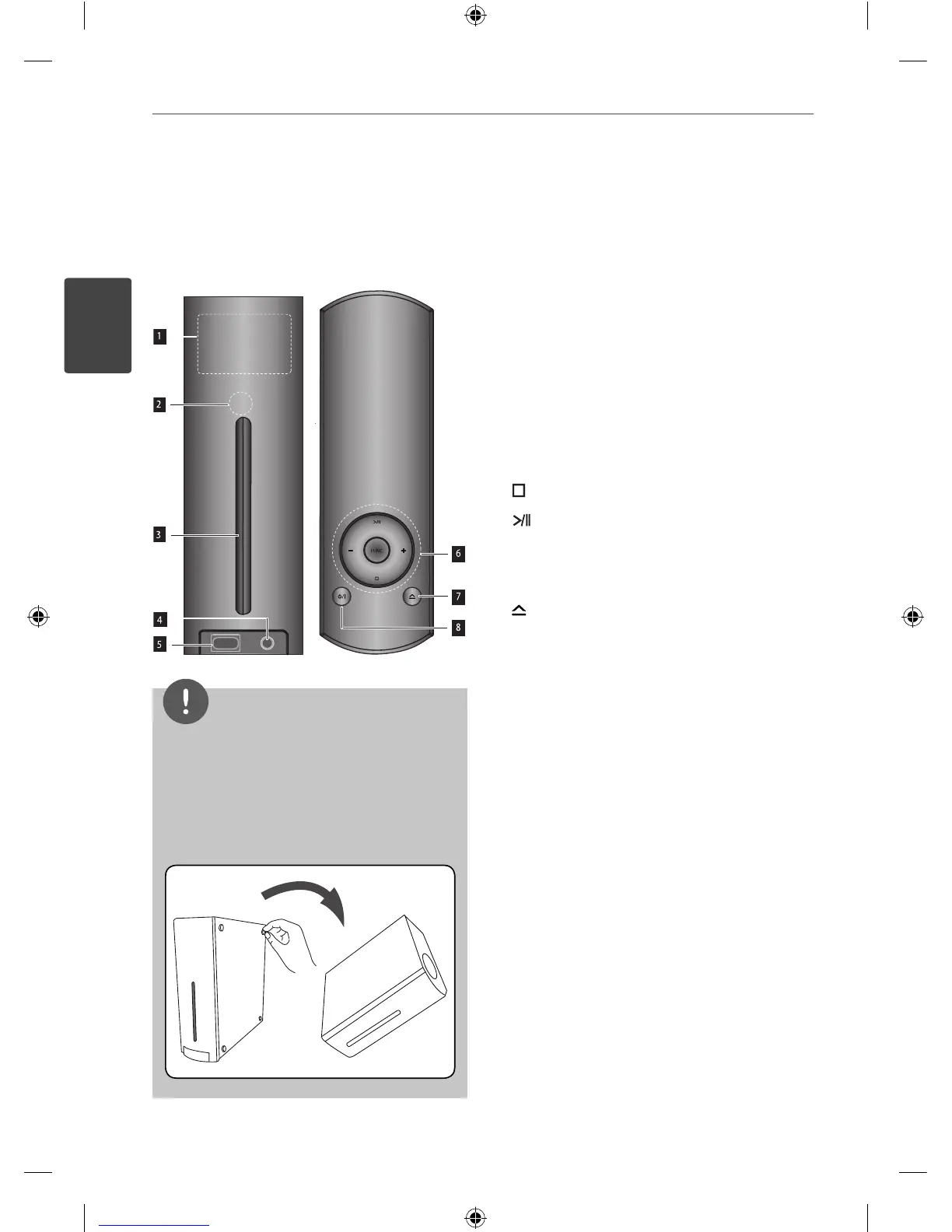
FRONT
TOP
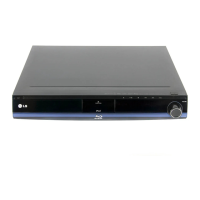
Front/Top panel
a
Display window
According to the way to posion the
unit, the display is shown horizontally or
vertically.
b
Remote Sensor
c
Disc slot
d
Port.IN
e
USB port
f
(STOP): Stops playback.
(PLAY): Starts or pauses playback.
FUNC. : Changes input mode.
+/- : Adjusts speaker volume.
g
(Disc insert/release button)
h
1/\
(POWER) Button
NOTE
The player can be set in horizontal or vertical
position.
When you set the player in horizontal position,
make sure to attach the supplied foots before
setting as shown below. It protects the bottom
panel from being scratched.
•
•
HB45E-D0.GBRLL ENG 0017.indd 14HB45E-D0.GBRLL ENG 0017.indd 14 2010-03-04 ¿ÀÀü 9:54:442010-03-04 ¿ÀÀü 9:54:44



 To Next Page