LG KC780 | User Guide
12
SET UP
Installing the SIM and battery
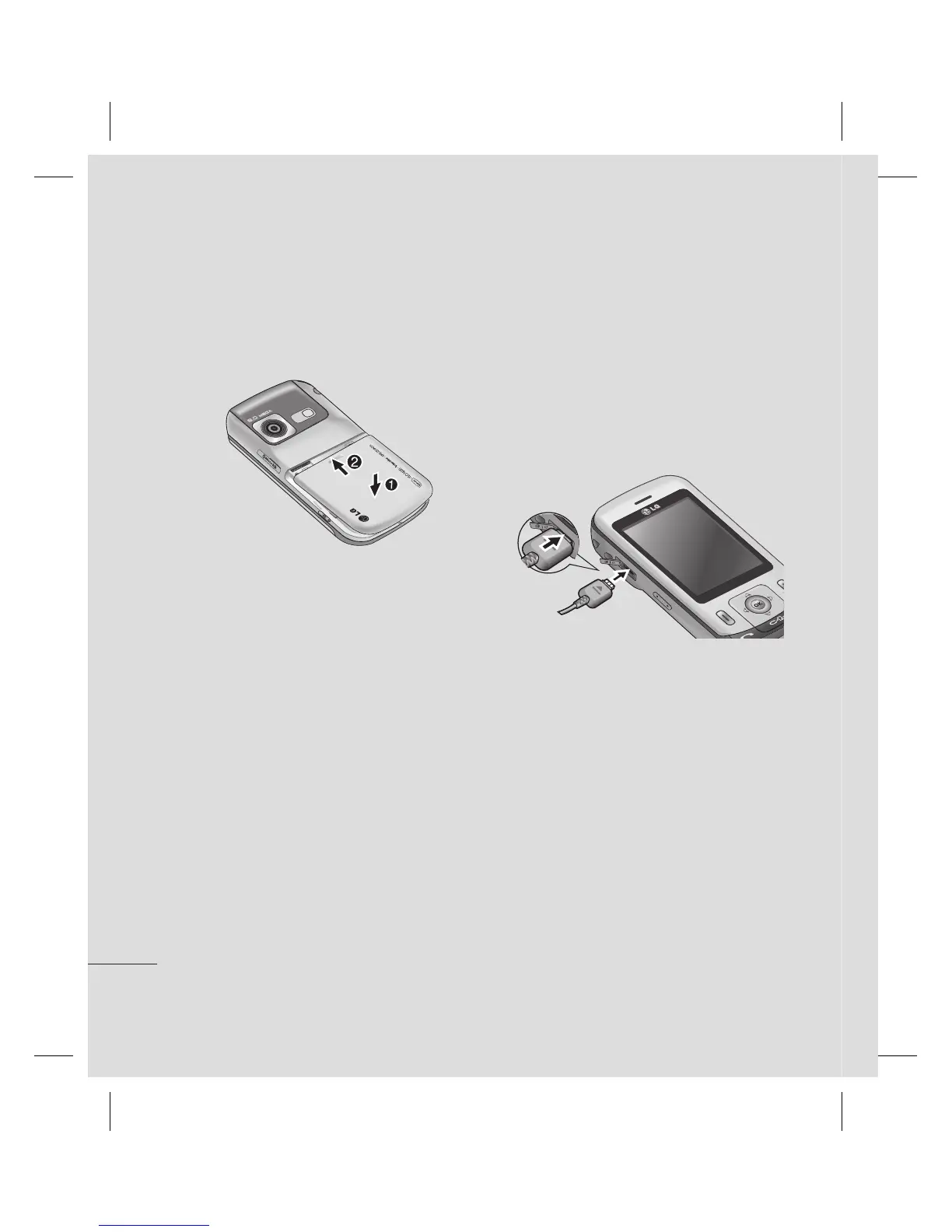
6 Charging your phone
Pull open the cover of the charger socket
on the side of your KC780. Insert the
charger and plug into a mains electricity
socket. Your KC780 will need to be
charged until a message reading Fully
Charged appears on screen.
5 Replace the battery cover
Slide the battery cover towards the top of
the phone until it clicks into place.


 To Next Page
 Loading...